
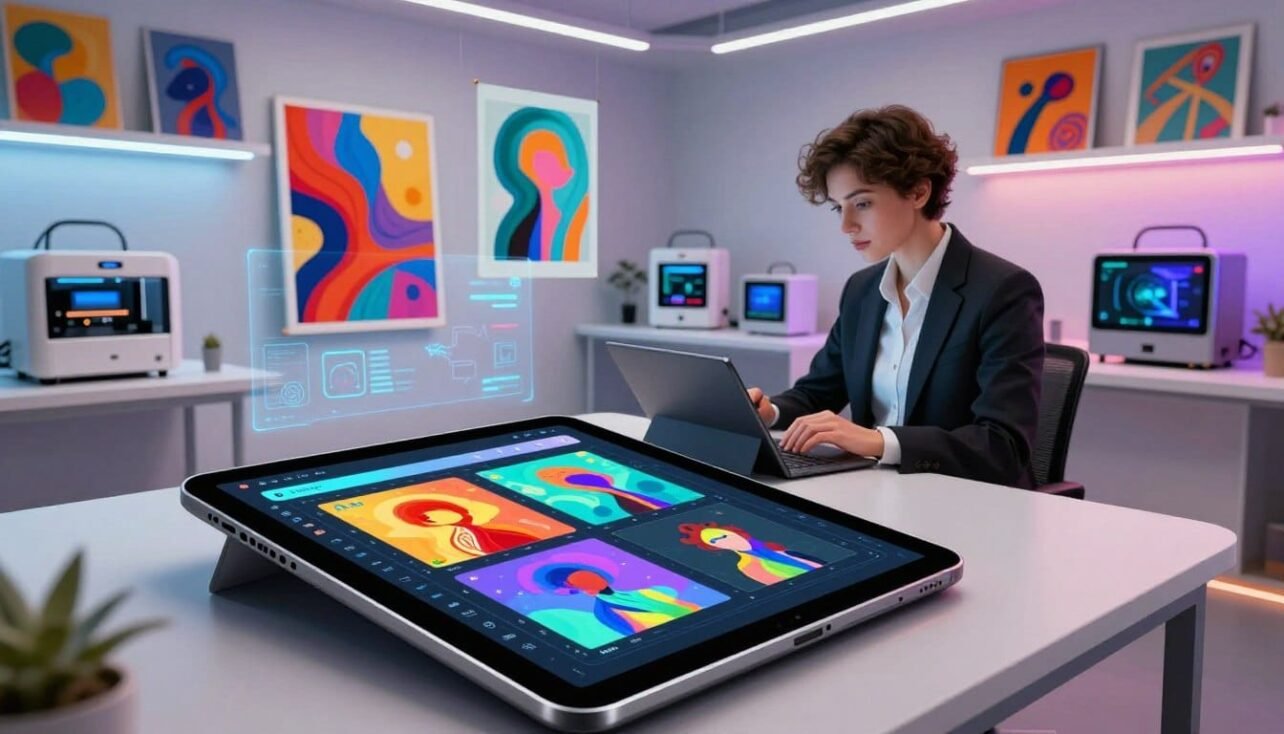
This 2025 product roundup shows how modern image generator platforms help creators make marketplace-ready visuals fast. Professionals, marketers, and independent artists use text prompts or reference images to produce polished results in seconds.
What to expect: a clear guide on how these systems work, side-by-side comparisons, and which platforms suit different budgets and workflows.
We explain the practical overlap between image generators and collection builders that handle trait layering and mint-ready exports. This helps readers avoid mismatched subscriptions and wasted time.
Who benefits most in the United States? Creators launching collections, marketing teams that need repeatable creative output, and small studios looking for cost-effective production.
Preview: later sections cover pro-grade platforms, budget-friendly options, mobile-first apps, and mint-ready collection builders. Our evaluation focuses on uniqueness, export quality, ease of use, pricing transparency, style range, and community support.
Shortlist faster with this practical guide and use the linked product overview for deeper reads: full generator roundup.
Why AI art generators matter for NFT creation in 2025
With improved image models, makers can iterate visuals at scale and preserve unique ownership. A tokenized item is a provable, unique digital asset that shows who owns a specific file on a blockchain. Creators issue scarcity, run collectible drops, and sell or trade pieces with transparent ownership.
- Fast concepting: text-to-image turns prompts into visuals for quick testing.
- Coherent looks: style transfer keeps a set of pieces visually linked.
- Scale: batch generation and customization produce many unique variations for collections.
Models are trained on large image and style datasets, so prompts and iterative edits matter. Core features include control over resolution, aspect ratio, style strength, and batch outputs that help creators lock down final files for marketplaces.
Benefits are clear for artists and digital marketing teams: speed, accessibility, and easy experimentation across styles like photorealistic, surreal, or pixel-focused work. Practical note: licensing and commercial rights vary by plan, so check terms before selling any generated content.
For a side-by-side look at platforms that combine model power with collection workflows, see this platform comparison.
How to choose AI NFT Generators and Art Creation Tools
Start with the end in mind: decide if your project needs single pieces, mint-ready collections, or marketing assets. That choice narrows which platform features matter most.
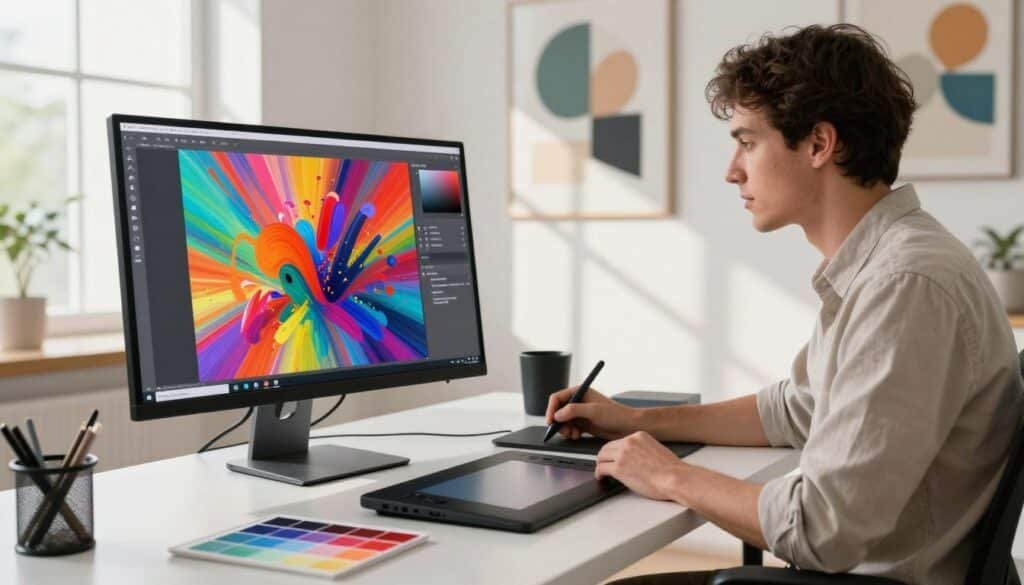
Customization options that help you create unique NFT art
Controls matter. Look for prompt strength, aspect ratio, seed/variation settings, trait layering, and inpainting or removal. These features let you create unique results without heavy manual edits.
Export quality and high-resolution output
Choose platforms that offer high-res downloads and clean file formats like PNG or TIFF. Marketplaces prefer sharp, lossless images for previews and drops.
User experience and learning curve
Beginners benefit from templates and guided prompts. Pros need advanced settings, API access, or Discord workflows. Match the interface to your team’s skills.
Pricing, free credits, and transparent plan limits
Compare subscription vs credit packs and test services with free credits. Clear limits prevent surprises when you generate batches for a collection.
Style variety and community support
Pick platforms that cover photorealistic, anime, pixel, surreal, and 3D renders to fit your audience. Active communities speed learning through shared prompts and feedback.
- Checklist: single images, batch support, minting workflow, export formats, pricing clarity.
- Fit mindset: 1/1 pieces, 10k collections, or weekly marketing assets each need different generator tools.
Best AI art creation platforms for professional-grade visuals
For creators aiming for gallery-quality visuals, a handful of platforms deliver polished, production-ready output fast. These services suit premium 1/1 pieces, brand campaigns, and collection art direction where consistency and export quality matter.
MidJourney is prized for cinematic, surreal looks. Many creators still iterate via Discord while using the web for final tweaks. Pricing starts around $10/month, with higher tiers for heavy use.
Why DALL·E 3 works for precise prompts
DALL·E 3 excels at clear object relationships and natural-language prompts. Use it when you need accurate compositions and fast iteration from plain English. Web and API access speeds workflow for teams that prefer browser-based tools.
Leonardo.Ai for game-ready design
Leonardo.Ai fits gaming assets, character design, and consistent concept pipelines. It runs a freemium model with paid plans from about $12/month and includes models like FLUX.1 and Phoenix for focused production work.
Runway ML for image plus video workflows
Runway ML pairs image generation with video editing features such as background removal and generative effects. It’s useful for creators who need promo clips or launch trailers alongside stills, with trial and paid plans from roughly $16/month.
- Decision tip: choose by target style, collaboration flow (Discord vs web), and whether video tools are required.
- Key features to check: resolution, batch outputs, export formats, and model consistency.
Best flexible and budget-friendly generator tools for creators
Affordable generator options give creators room to refine styles and validate demand early. Budget-friendly choices let users test prompt ideas, tune looks, and compare outputs before committing to costly subscriptions.
Stable Diffusion: flexibility leader
Stable Diffusion is open-source and runs on web, desktop, or via API. It offers 25 free credits to get started and wide customization for repeatable workflows.
Best for creators who want granular control, batch runs, or to integrate a generator into apps and pipelines.
NightCafe: low-friction, beginner-friendly
NightCafe supports multiple models and makes it easy to produce different styles with a credit system. Pricing starts around $6/month for 100 credits, which helps plan output for collection traits or A/B tests.
Its active community speeds learning for new users who want predictable pricing and style variety.
DeepAI: quick checks and fast iterations
DeepAI is ideal for fast, free experimentation. Results may be rougher than premium services, but it lets creators experiment different prompts quickly.
Use DeepAI for early-stage tests, then move to a higher-fidelity generator when a style proves successful.
- Why budget tools matter: test ideas, refine visual direction, and validate demand before buying premium plans.
- Tip: run the same prompt across different platforms to see which generator consistently matches your intended look.
Best mobile-first and design-friendly art tools for fast content
When speed and portability matter, design-friendly mobile platforms let creators finish work on the fly. These options focus on packaging visuals into posts, banners, and ads without long desktop workflows.
Canva
Generate images inside projects, then place them into templates for social and promo assets. Canva works on web and mobile app. Pricing is Free; Pro is about $15/month. Small teams like the consistent branding and fast layouts.
PicsArt
PicsArt is a true mobile-first experience. Fast generation plus touch editing makes on-the-go iterations and share-ready exports simple. Pricing: Free with Premium at $13/month.
Fotor
Fotor blends photo editing with in-app image generation for posters, ads, and social content. It reduces workflow friction for digital marketing teams. Pro plans start near $8.99/month.
WOMBO Dream
WOMBO Dream is the lowest-friction prompt-to-image option for rapid style tests. Use it for early concept work before moving to higher-fidelity design software. Premium starts at $9.99/month.
- Workflow fit: ideal when final output is thumbnails, tiles, or ad variants.
- Speed tip: generate, place, and export in one session to cut review cycles.
Top AI NFT generators built for mint-ready collections
A reliable mint-ready workflow depends on consistent canvases, batch exports, and trait tooling that prevents file chaos.
What mint-ready means: consistent sizing, clean exports, trait systems, and batch workflows that let creators produce many pieces without manual file chaos.
Dreamina
Dreamina turns text prompts into images fast and adds canvas edits like Inpaint, Remove, Expand, Blend, and Text overlay. Its simple flow—prompt → choose model/quality/aspect ratio → generate → download—helps teams refine a signature look with the optional “Edit on canvas” step.
StarryAI
StarryAI targets crypto artists who want creation plus minting support. The freemium entry gives 5 free credits, with paid packs from $15, so creators can test mint flows before committing.
Bueno
Bueno focuses on layered traits, trait randomization, and high-resolution downloads to keep collection drops marketplace-ready. It’s useful when rarity and clean exports matter most.
NFT Art Generator
This platform offers layered art systems, ready-made templates, and export-ready files for consistent metadata and batch uploads. Good for builders who stack traits and need reliable outputs.
- PixelChain: retro pixel focus with on-chain storage and low data usage for projects that value on-chain permanence.
- Nft-inator: sketch-to-token workflows with AR drawing guidance and AI enhancements for hands-on artists.
- Appy Pie: template-driven generator with a low learning curve for first-time creators who need speed over deep control.
Conclusion
Modern image platforms help makers test ideas fast and land consistent results for drops or campaigns. Pick a workflow that matches whether you need single pieces, marketing content, or full nfts collections.
Evaluate by uniqueness controls, export resolution, usability, style range, and community support. These features decide how repeatable and clean final outputs will be for sales or promotion.
Decision path: use professional-grade services for premium visuals, budget-friendly options to test direction, mobile apps for quick posts, and collection builders when layered traits matter most.
Confirm licensing before selling any generated work. Then pick 2–3 platforms, run the same prompt, compare results, and standardize one workflow to avoid inconsistency.
For US creators: get started with a free tier or trial, iterate on prompts, and scale plans only after you prove a style fits and outputs remain repeatable.
FAQ
What is an NFT and why do creators use it for unique digital ownership?
An NFT is a token stored on a blockchain that proves ownership and provenance of a digital item. Creators use them to sell limited digital editions, track royalties, and guarantee authenticity for collectors.
How do image models speed up high-quality digital art creation?
Modern image models convert text prompts into polished visuals, automate repetitive edits like inpainting or background removal, and enable batch exports. This reduces production time while keeping high resolution suitable for marketplaces.
What core capabilities should artists look for in a creative platform?
Key features include text-to-image generation, style transfer, inpainting, batch generation, trait layering for collections, and fine-grain customization of composition and color.
What benefits do these platforms offer artists and marketers?
They provide speed, accessibility for nontechnical users, and a playground to experiment with different styles. Marketers gain fast asset production for campaigns and consistent visual systems across channels.
How should I evaluate customization options to ensure unique artwork?
Check for adjustable prompts, seed control, mixed-model blending, multi-step refinement, and options for manual edits like brush inpainting or layer-based compositing.
What export quality matters for marketplace-ready images?
Look for true high-resolution outputs (300 DPI or large pixel dimensions), lossless export formats (PNG/TIFF), and metadata support for provenance and royalties.
How steep is the learning curve for beginners versus pros?
Some platforms like NightCafe and Canva emphasize simple prompts and templates for beginners. Advanced users prefer tools with API access, prompt engineering controls, and open-source models like Stable Diffusion for deeper customization.
What pricing factors and free-credit policies should I compare?
Compare subscription tiers, per-image credits, API call costs, commercial-use licensing, and limits on batch exports. Free credits help you experiment before committing to paid plans.
Which art styles are commonly supported across platforms?
Expect photorealistic images, anime, surreal, pixel art, 3D renders, and stylized painterly looks. The best platforms let you mix and refine styles to match your brand or collection.
How important is community and workflow support?
Community assets, templates, and shared prompt libraries accelerate learning. Integrations with design apps, cloud storage, and versioning make production easier for teams and collectors.
What makes MidJourney a go-to for cinematic and surreal visuals?
MidJourney excels at painterly, cinematic aesthetics and runs via Discord and web interfaces. It offers strong stylistic controls and an active community for inspiration and prompt tips.
Why choose DALL·E 3 for text-driven image creation?
DALL·E 3 prioritizes accurate interpretation of natural-language prompts and produces coherent, high-fidelity images suitable for concept art and marketing assets.
What is Leonardo.Ai best used for?
Leonardo.Ai focuses on gaming assets, character design, and iterative concept workflows with tools for variations, rigs, and asset management tailored to game studios and illustrators.
How does Runway ML benefit creators working with images and video?
Runway ML combines image generation with robust video-editing features, allowing creators to produce motion visuals, apply generative effects, and export finished clips in one suite.
Why is Stable Diffusion recommended for customization and open-source use?
Stable Diffusion is open-source, supports local desktop/web deployments, and offers API access. Developers and artists can fine-tune models, implement custom pipelines, and avoid vendor lock-in.
What makes NightCafe good for beginners?
NightCafe uses a credit system, offers multiple model choices, and provides preset styles and an easy interface that helps new users create polished pieces quickly.
When should I use a quick experiment tool like DeepAI?
Use DeepAI for low-friction testing of prompt ideas and rapid prototyping when you need fast, free trials before moving to higher-quality platforms.
Which mobile-first tools work best for fast content creation?
Canva, PicsArt, Fotor, and WOMBO Dream prioritize mobile workflows. They combine generation with editing, templates, and social-ready exports for creators on the go.
What features help produce mint-ready collections on specialized platforms?
Look for layered trait systems, randomization engines, large-format downloads, on-chain storage options, and direct minting or export formats compatible with marketplaces.
How do platforms like StarryAI and Bueno support minting?
These services offer NFT-focused tools such as metadata formatting, batch export for trait combinations, and integrations or guides for minting on popular marketplaces.
Are there platforms tailored for pixel and retro-style collections?
Yes. Platforms like PixelChain optimize for pixel art, offering on-chain storage and data-efficient formats that reduce minting costs while preserving retro aesthetics.
How can I start experimenting with image generation without spending money?
Many platforms provide free credits, trial tiers, or community editions. Use those to test prompts, styles, and export options before upgrading to paid plans.

No comments yet