
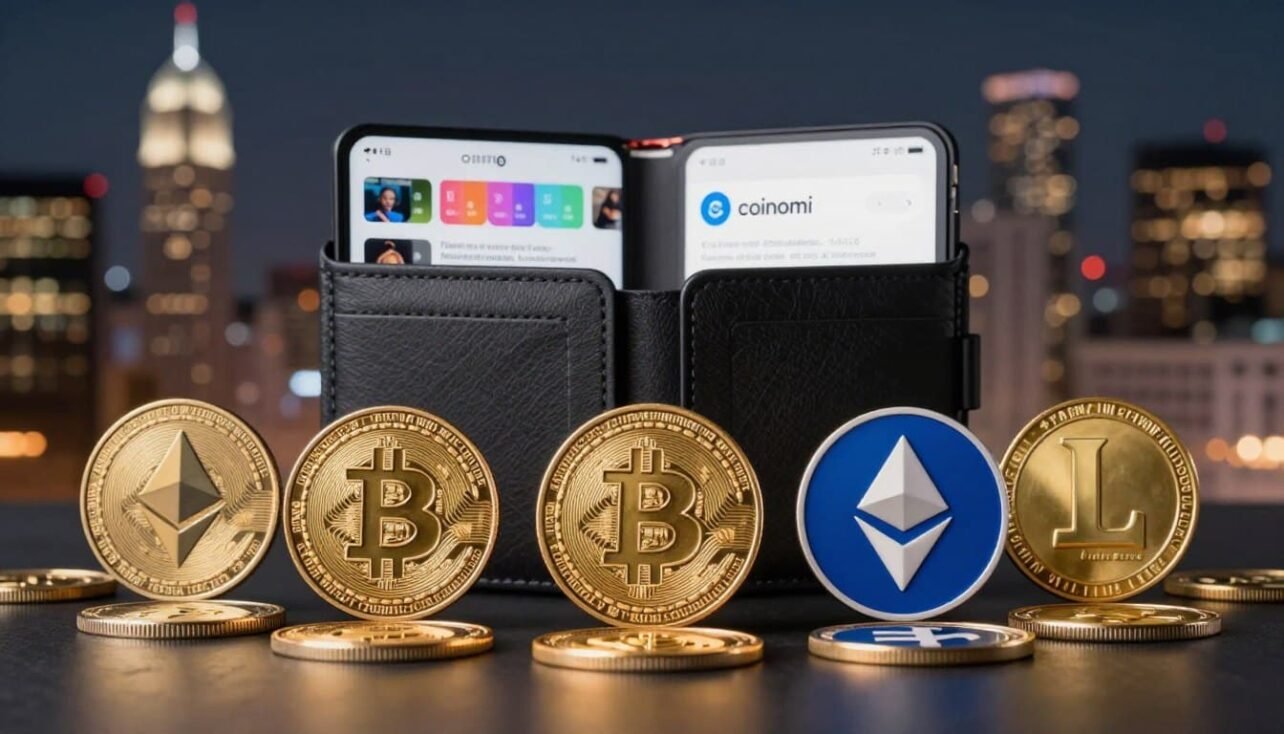
This buyer’s guide explains what the coinomi wallet covers today and why that matters for U.S. users. It highlights the breadth of cryptocurrencies and tokens you can manage in one app.
Expect clear facts: the app handles 120+ blockchain networks and over 1,770 assets, from Bitcoin and Ethereum to smaller tokens. The guide also covers security, seed phrase backups, and how to create new wallet safely.
We will preview key features like local key storage, password and biometric access, partner-powered swaps, and fee structure. You’ll get a quick view of the track record since 2014 and limits such as closed-source code and no hardware integration.
For a deeper profile and full list of marquee coins and standards, see this detailed overview at Coincarp’s Coinomi page. Use this intro to decide if the app matches your needs or if another option fits your future plans.
Who Coinomi Is For and Why It Matters to U.S. Crypto Users
For privacy-minded Americans, a non-custodial crypto app that skips KYC for in-app swaps can be a practical daily driver. Coinomi wallet keeps private keys on your device, so you hold custody and control over funds.
The app masks your IP addresses and supports SegWit for faster, cheaper Bitcoin transactions. You can also connect a personal full Bitcoin node to self‑verify transactions and increase sovereignty.
Losing a device won’t lose your on‑chain assets if you back up the recovery phrase. Restoring a new device is straightforward: choose to create new or restore a prior account and use the seed phrase to access funds.
- Privacy-first use: in-app swaps with partners like Changelly and Coinswitch avoid KYC.
- Fiat caveats: buying via Simplex may require KYC and isn’t available in Hawaii or New York; BTC Direct mainly serves EU regions.
- Frequent transactors: SegWit support speeds up transactions and lowers fees.
- Security best practice: combine strong passwords, biometrics, and secure seed storage.
If you want a practical guide to create new accounts securely and set strong recovery practices, see how to set up a secure crypto wallet for U.S. use.
coinomi wallet supported coins
This app brings broad token coverage to everyday users, letting you manage major chains and niche assets in one place.
Major blockchain networks include Bitcoin, Ethereum, Litecoin, and many others. The platform covers over 120 blockchain networks and more than 1,770 assets, so most mainstream holdings are available.

Thousands of tokens and standards
The service handles thousands of tokens across ERC‑20, BEP‑2, and TRC‑10 standards. It also stores ERC‑721 NFTs, so collectors can view many NFT types inside the app.
Notable examples
Commonly used crypto examples include BTC, ETH, XRP, LTC, BCH, XMR, BNB, TRX, DASH, and LINK. Frequent updates add new assets and keep listings current.
- One app, many networks: manage multiple cryptocurrencies without switching programs.
- dApp browser: access DeFi and NFT marketplaces directly for trading and use.
- Security: you keep private keys and use your seed phrase to restore assets across networks.
| Network | Token Standards | Notable Assets | Access |
|---|---|---|---|
| Bitcoin | N/A | BTC | Mobile & Desktop |
| Ethereum | ERC‑20, ERC‑721 | ETH, LINK, many tokens | Mobile & Desktop |
| Binance / Tron | BEP‑2, TRC‑10 | BNB, TRX | Mobile & Desktop |
Key features buyers care about: security, privacy, and in‑app exchange
Security, privacy, and convenient swaps are the three features most U.S. users check first.
Security basics
Non‑custodial design keeps private keys encrypted and stored locally on your device. A password plus optional biometric login (fingerprint or Face ID) gates every transaction.
A recovery seed phrase is created at setup and you can add a BIP39 passphrase for extra protection.
Privacy protections
No KYC is required for crypto‑to‑crypto swaps inside the app, and the software avoids IP logging beyond its own server calls.
SegWit support helps make Bitcoin transactions faster and less costly for users.
Exchange and dApp access
Partner-powered exchange within app via Changelly and Coinswitch lets you swap tokens without exporting keys. Rates and partner fees may be higher than major exchanges, so compare before trading.
The dapp browser web3 module gives direct access to DeFi platforms, DEX trading, NFT marketplaces, and integrations like FIO and Unstoppable Domains.
- Cold staking: supported on select networks via dApp integrations for yield seekers.
- Advanced hygiene: use strong passwords and offline seed storage to boost security.
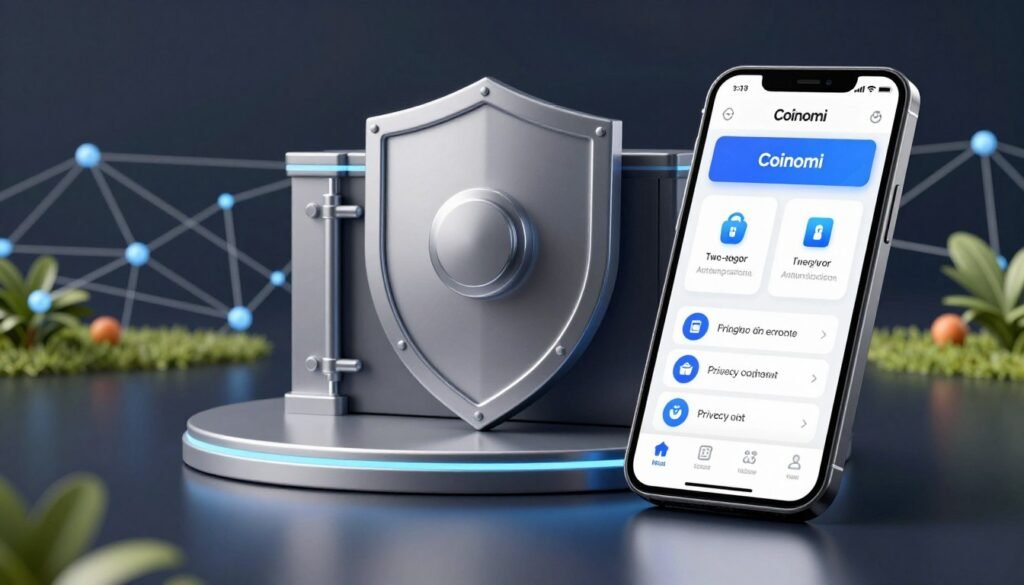
| Feature | What it does | User impact |
|---|---|---|
| Local keys | Encrypted on device | True custody, no third‑party control |
| In‑app exchange | Changelly / Coinswitch partners | Quick swaps, partner fees apply |
| dApp browser | Web3 access, DeFi, NFTs | One app for many on‑chain actions |
Setting up your first wallet: from create new to selecting cryptocurrencies
Getting started requires a few clear choices: create a new account or restore an existing one with your recovery phrase. Download the app from the Apple App Store, Google Play, or the official site and follow the onboarding prompts.
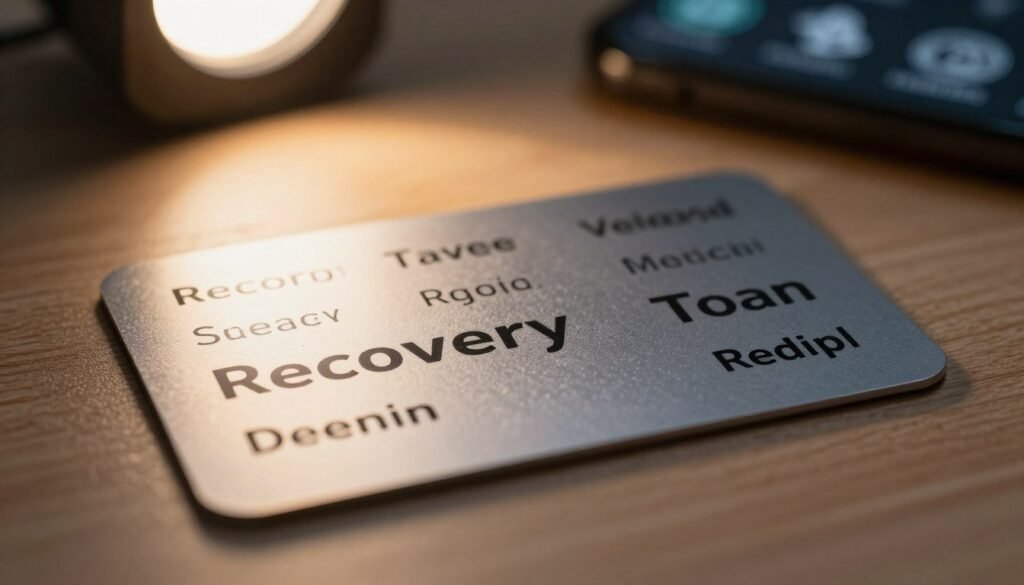
Create new vs. restore: getting started securely
If you are new, pick create new wallet. If you already have a recovery seed, choose restore to import keys and access funds fast.
Recovery seed setup and best practices
The app shows a recovery seed (commonly 24 words; some guides mention 12). Write the phrase down in order and never store it digitally.
Do not screenshot the phrase. Use paper or a metal backup and consider a BIP39 passphrase for extra protection.
Choose networks and tokens to display
After setup, add the multiple cryptocurrencies you use so the dashboard shows your main assets at a glance. You can always add networks later as your portfolio grows.
- Password: use a long, unique password and enable biometrics.
- Backup: store the recovery seed offline and test restore on a spare device.
- Review: periodically update security settings and ensure backups include any new keys.
| Step | Action | Security tip |
|---|---|---|
| Download & open | Install from official store | Verify source, avoid third‑party downloads |
| Create or restore | Select create new or restore | Use existing seed only on trusted devices |
| Backup seed | Write 12–24 words offline | Store in safe, fireproof place |
Fees, limits, and regional considerations for U.S. users
A clear view of fees and regional limits helps U.S. users avoid surprises when moving or buying crypto. The app charges no extra fee to send or receive funds; you pay on‑chain network fees only. These network fees are shown before you confirm and can be adjusted to favor speed or savings per transaction.
Network fees vs. partner fees
On‑chain costs: sending and receiving carry no platform surcharge — just miner or validator fees. You can pick higher fees for faster processing or lower fees to save money.
Partner charges: swaps and fiat buys use third‑party providers. The app displays estimated totals and partner fees within app before you approve any exchange.
Buying limits and regional notes
U.S. users should note Simplex buying is blocked in Hawaii and New York due to payment processor limits. BTC Direct focuses on EU/EEA and select European states and is not an option for most Americans.
- No send/receive surcharge: only network fees apply, adjustable per transaction.
- In‑app swaps: partner fees from Changelly, Coinswitch, or Simplex appear before confirmation.
- Regional limits: Simplex unavailable in HI and NY; BTC Direct serves Europe only.
- Security reminder: use a strong password and verify details to avoid phishing or costly errors.
- Track record: the project has no major hack record as of August 2024, which adds confidence for users.
| Fee type | Who pays | Shown before |
|---|---|---|
| Network fee | User | Transaction confirmation |
| Partner fee (swap/buy) | Third‑party provider | Exchange or purchase screen |
| Platform surcharge | None | N/A |
How Coinomi compares: strengths, trade‑offs, and when to consider alternatives
Choosing the right crypto app means balancing asset range, privacy, and security trade‑offs. This comparison helps U.S. users pick a practical path for day‑to‑day use and long‑term custody.
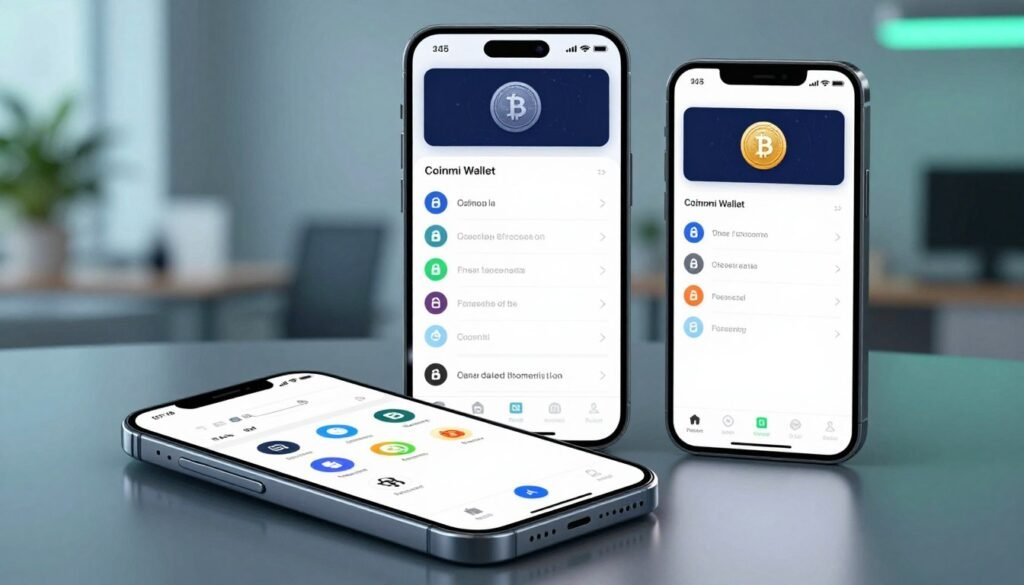
Where it excels
Broad asset coverage lets you manage over 1,770 assets and many blockchain networks in one place.
The platform also offers privacy‑oriented swaps with no KYC and SegWit for lower Bitcoin fees.
An integrated dapp browser with FIO and Unstoppable Domains eases DeFi and NFT access.
Trade‑offs to weigh
The app has been closed‑source since 2017, which raises transparency concerns for some users.
It lacks native hardware integration with Ledger or Trezor, limiting offline key options.
Alternatives and complements
If DeFi and NFTs are your focus, Trust Wallet offers a mobile‑first UX. Exodus gives a polished desktop experience.
For maximum security, pair any hot wallet with a hardware device like Ledger, Trezor, or Cypherock X1.
| Aspect | Strength | Consideration |
|---|---|---|
| Asset breadth | 1,770+ assets across chains | Good for diverse portfolios |
| Privacy & swaps | No‑KYC in‑app swaps | Partner fees vary vs centralized exchanges |
| Security model | Local keys, SegWit support | Closed‑source; no hardware support |
Making the most of Coinomi for long‑term crypto management
Long-term crypto management means prioritizing secure backups, tested recovery, and routine audits.
Keep security first: the coinomi wallet uses local encryption, a strong password, and optional biometrics to protect private keys. Treat those keys like the master key to your assets and never store them online.
Protect the seed phrase in durable, offline form and consider adding a BIP39 passphrase for extra defense. Test recovery on a spare device so you know how to access funds if a phone is lost.
Use the dapp browser to interact with DeFi, DEXs, NFT marketplaces, and staking tools without exposing keys to external sites. For long holds, consider splitting assets: keep trading balances in the app and move long-term crypto assets to an offline solution if you need extra assurance.
- Document a secure recovery process so trusted parties can help when needed.
- Rotate passwords, update device OS, and avoid public Wi‑Fi for sensitive actions.
- Watch network fees and schedule transfers when costs are lower to save on rebalancing.
Practical note: the app has no major hack reported as of August 2024, but it lacks hardware integration and remains closed‑source. Regular reviews of features and permissions will help maintain privacy and long‑term safety.
Conclusion
In practice, it blends multi‑network convenience with straightforward security controls.
, The coinomi wallet is a versatile, non‑custodial option that handles 1,770+ assets across 120+ networks. It pairs SegWit efficiency and a browser web3 dApp module with partner swaps for quick trades.
The platform’s clean track record and on‑device key storage add confidence, but closed‑source code and no hardware integration are trade‑offs. U.S. buyers should check partner fees and regional limits before using in‑app purchases.
Follow strong seed phrase hygiene, strong passwords, and device best practices to keep crypto safe. If you need open‑source code or hardware support, use a complementary solution to match your security needs.
FAQ
What cryptocurrencies and token standards are supported?
The app supports major blockchains such as Bitcoin, Ethereum, Litecoin, and many others. It also handles thousands of tokens, including ERC-20, BEP-2, TRC-10 and NFT standards like ERC-721, so you can hold common coins, DeFi tokens, and many collectibles in one place.
How do I create a new wallet and start using it?
Tap “create new” in the app, set a strong password, and write down the recovery seed phrase displayed. The process generates non-custodial private keys stored locally and encrypted on your device. After setup, choose which networks and tokens to display and begin sending, receiving, or swapping assets.
What is the recovery seed phrase and how should I protect it?
The recovery seed is a 12–24 word phrase that restores access to your funds. Record it offline on paper or metal, store copies in separate secure locations, and never share it digitally. Consider adding an optional passphrase for extra security.
Can I restore an existing wallet using private keys or a seed?
Yes. The app lets you restore using a standard recovery seed or import individual private keys. Follow the restore flow, enter your seed or keys, and select which assets to display. Always verify addresses after restoration.
Are my private keys ever shared or held by the provider?
No. Private keys remain non-custodial and are generated and stored locally with device encryption. The provider does not hold your keys, so you retain full control and sole responsibility for backup and security.
How does in-app exchange work and are KYC checks required?
Swaps use integrated partners like Changelly and Coinswitch to swap assets without leaving the app. Many swaps proceed without KYC depending on partner limits and destination, but larger purchases through on‑ramps may require identity verification via third-party providers.
What fees will I pay for transactions and swaps?
You pay network fees determined by the blockchain plus any partner or service fees for swaps or on‑ramp purchases. The app typically shows estimated costs and lets you customize fees for faster or cheaper confirmations where the network allows.
Does the app support staking and interacting with DeFi dApps?
Yes. You can access staking and cold‑staking options through integrated dApp experiences and a Web3 dApp browser for DeFi, DEX trading, and NFTs. Availability depends on the asset and network support.
How private is my usage and what data is logged?
The platform emphasizes privacy with no IP logging on core operations and no mandatory KYC for basic swapping. Transaction data lives on public blockchains, so use best practices like address management and privacy coins when needed.
Are there limits or regional restrictions for U.S. users?
Some buy/sell partners restrict services by state or require additional verification. Network limits and partner fees may also vary. Check partner terms before buying and confirm local availability for on‑ramps like Simplex or BTC Direct.
How does this app compare to other options like Trust Wallet or hardware solutions?
Strengths include broad asset coverage, privacy features, and built‑in swaps. Trade‑offs include parts of the code that are not fully open source and limited direct hardware wallet integration. Consider pairing with a hardware device for long‑term cold storage or using alternatives focused on DeFi and NFT tooling.
What steps should I take for long‑term crypto management?
Use strong, unique passwords and biometric locks, back up recovery seeds offline, diversify storage between hot and cold solutions, keep software updated, and track funds across networks. Regularly review permissions for dApps and revoke access when not needed.

No comments yet