
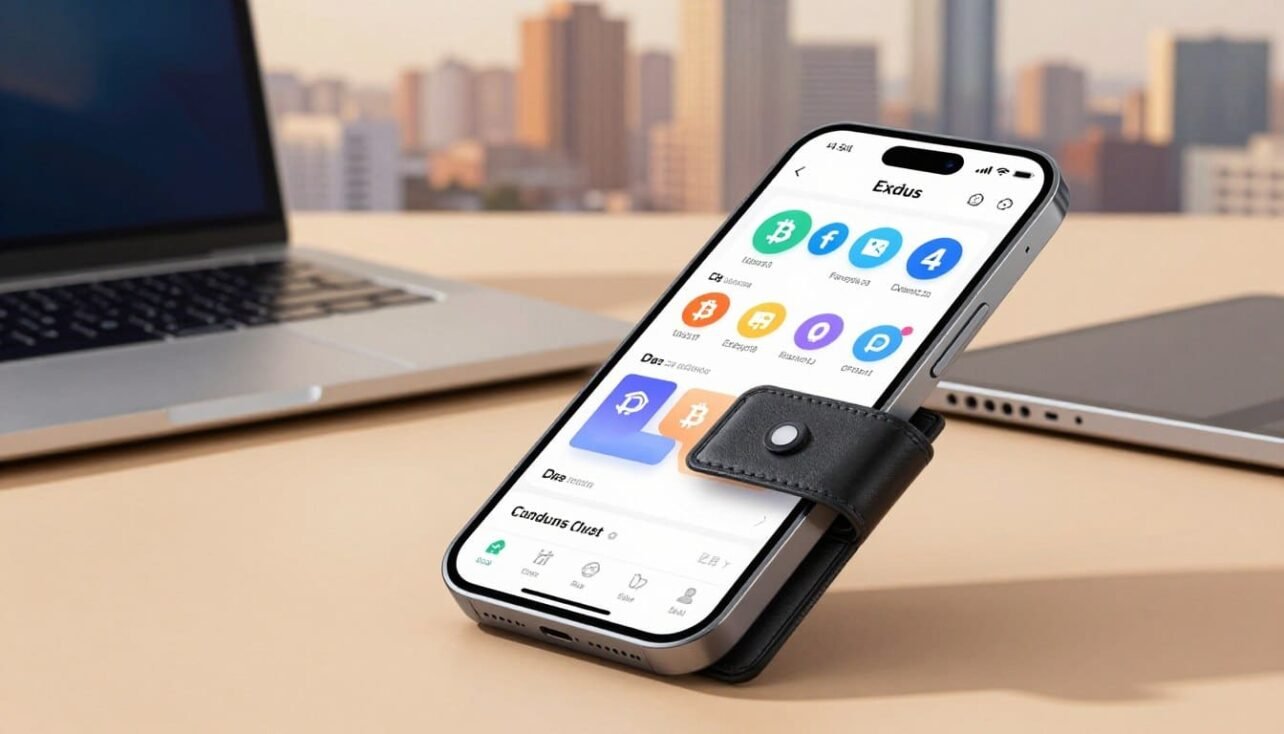
This introduction sets expectations for a clear, practical look at a popular non-custodial crypto tool. It balances ease of use with self-sovereignty and explains core trade-offs up front.
Who this fits: casual users and mobile-first collectors who want multi-chain access, built-in swaps and staking, an NFT gallery, and simple portfolio views. The polished interface makes routine tasks quick.
Key security notes: private keys live locally and recovery uses a 12-word phrase. That gives control but ties safety to device health. Hot-wallet hygiene is strong, yet there is no native 2FA and some code is not fully open-source.
Swap mechanics route through third-party providers and show spreads plus network fees before confirmation. Support is responsive and rated highly by many users, though disputes with swap partners happen sometimes.
This section previews comparisons, costs versus exchanges, and when to pair with hardware for larger holdings.
Quick Verdict: Who Exodus Wallet Is Best For in the United States
Use this quick guide to see whether this friendly, multi-chain app suits your daily portfolio needs.
Bottom line: This mobile-first, beginner-friendly option fits U.S. users who want fast setup, integrated swaps, staking, and NFT viewing without creating an account. Core actions require no KYC, and the iOS and Android apps score well for usability.
Ideal for
- New crypto users who want simple self-custody and a polished interface.
- Multi-chain holders tracking BTC, ETH/EVM chains, Solana, and Cosmos in one place.
- People who manage most activity on the go and value staking plus NFT tools inside the app.
When to look elsewhere
- Not the best pick for large cold-storage holdings—pair with a hardware wallet or use cold storage for long-term safety.
- Privacy maximalists may object to missing shielded Zcash support and third-party KYC on some purchases or swaps.
- Users seeking the lowest trading costs at scale should compare quotes against exchange fees.
| User Type | Good Fit? | Key Reason |
|---|---|---|
| Beginner mobile users | Yes | Quick setup, clear UX, integrated features |
| Multi-chain traders | Yes | Unified portfolio and swaps across chains |
| Large long-term holders | No | Hot nature; recommend pairing with Trezor or Ledger |
Exodus Wallet Review: What It Is and How It Works
This part outlines the core mechanics and how local key storage shapes user control.
Self-custody model and control of private keys
Self-custody means you hold your keys and a 12-word secret recovery phrase on your device, not on a company server. The phrase acts as your seed to restore storage and access across platforms.
Local encryption generates and stores private keys and transaction data on the user’s device. That design boosts privacy and keeps control with the owner, but it also shifts responsibility for backups and device safety to you.
Company background, platforms, and philosophy
The product launched in 2015 and is built to run on Windows, macOS, Linux, iOS, Android, and a Web3 browser extension. The company completed a Regulation A offering in 2021 and trades under EXOD, signaling a mature corporate profile.
The team blends open-source and closed components. That mix speeds development and design while limiting full independent audits of some modules. The interface focuses on simplicity so everyday users can handle multi-chain features like swaps, staking, and NFT management with less friction.
Security, Safety, and Hardware Pairing
A strong defense blends encrypted local keys, secure device locks, and optional hardware isolation.
The app generates and stores keys locally using device-level encryption. Users can set a password and enable biometrics for quick lock and auto-lock behavior.
On mobile, encrypted backups can be saved to iCloud or Google Drive and protected by a passkey. These backups aid recovery but should be used with caution to protect long-term safety.
Key custody and recovery
The 12-word secret phrase is the sole way to restore access if a device is lost. Treat the phrase like cash: keep an offline, physical copy and never store it in plain text.
Known limits and risks
The design has no traditional 2FA because there are no hosted accounts. Some app components are not fully open-source, which limits independent code review for certain modules.
Security depends heavily on device hygiene. If malware or an infected computer gains control of a device, the stored keys can be exposed.
When to add hardware
Pairing with a hardware wallet is sensible for larger balances, frequent contract signing, or when extra isolation is needed.
| Use case | Recommended pairing | Benefit |
|---|---|---|
| High balances / long-term storage | Trezor on Desktop | Cold key isolation |
| Mobile-first users | Ledger on Mobile | Stronger protection against phone malware |
| Active DeFi signing | Hardware + app | Safer transaction approvals |
Ongoing security practices
The company runs a public bug bounty on HackerOne and issues frequent updates and patches. Certain staking modules have independent audits separate from core app code.
- Update OS and app often.
- Use strong device passcodes and biometrics.
- Never share or digitally store your recovery seed or phrase.
Privacy and Data Practices in a Non-Custodial Wallet
How you use a non-custodial app determines what personal information leaves your device.
No KYC for core actions: The app lets users store, send, and receive tokens without creating an account. Key material stays on the device, giving you more direct control over private keys and most data.
Third-party checks for buys and swaps: In-app purchases and instant trades route through regulated providers. These partners may require identity verification and AML checks before completing a transaction.
Public ledgers are transparent. On-chain transactions can be linked and traced, so anonymity is limited on many blockchains. Also, the app does not support Zcash shielded transfers, which matters to users who need stronger privacy for ZEC.
Practical steps to reduce exposure:
- Avoid reusing addresses to limit linkage between transactions.
- Keep software updated to reduce data-leak risks.
- Review provider terms and KYC requirements before buying or swapping tokens.
- Consider privacy layers or mixers only where legal and appropriate.
- Mind ENS names, notes, and streaming metadata that can tie activity to an identity.
| Privacy Area | Behavior | Impact |
|---|---|---|
| Core storage | Local keys, no account | Higher control, less hosted data |
| In-app buys/swaps | Third-party KYC possible | Identity checks, AML reviews |
| On-chain activity | Transparent by design | Traceable transactions and links |
| Zcash | No shielded support | No private ZEC transfers in-app |
Supported Coins, Tokens, and Networks
A broad asset list helps users manage major coins and niche tokens without juggling multiple apps.
Multi-chain breadth
The app lists 269+ assets across Bitcoin, Ethereum and many EVM-compatible chains like BNB Smart Chain, Polygon, Avalanche, and Base. It also supports Solana, Algorand, Cosmos and other ecosystems as they are added.
Custom tokens and hidden assets
Users can enable hidden assets from Settings to reveal more coins. When a token isn’t listed, many networks allow adding a custom token manually to keep niche holdings visible.
Staking and asset lifecycle
Staking availability changes by chain. Some networks offer on-app staking while others do not. Always check the live asset list before delegating funds.
- Consult the public assets directory for current availability and platform support.
- Check swap eligibility per asset before trading.
- Expect frequent updates that add chains, token standards, or sunset older assets.
| Area | What to check | Why it matters |
|---|---|---|
| Asset count | 269+ listed | Wide coverage for major coins and tokens |
| Custom tokens | Enable via Assets settings | Visibility for niche holdings |
| Staking | Chain-dependent | Rewards and rules vary by network |
Desktop, Mobile, and Browser Extension: UX and Feature Parity
Across desktop apps, mobile builds, and the browser extension, the interface aims for a consistent experience with a few platform trade-offs.
Mobile ratings and reach: iOS holds about 4.6/5 from ~33,000 ratings while Android sits near 4.5/5 from ~128,000 reviews and 5M+ downloads (as of Dec. 12, 2025). These scores show broad user satisfaction and maturity on both platforms.
Desktop vs mobile differences
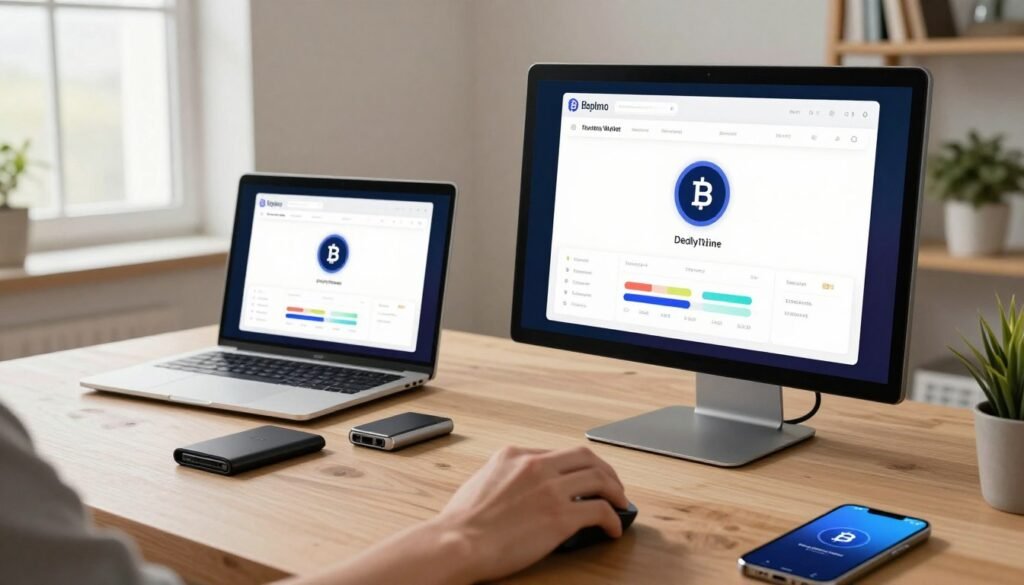
Desktop supports Trezor integration and is often preferred for heavy use and hardware pairing. Mobile lets users pair Ledger for select networks and is ideal for on-the-go staking and NFT viewing.
Both platforms handle staking where available and share a clean interface. However, NFT formats and some hardware pairings vary by platform.
Browser extension and DApp access
The browser extension acts as an injected provider for multichain DApp connections. If a DApp does not list this web3 wallet, use the alternative connection button or WalletConnect flows as a fallback.
- Tip: Confirm the network in the DApp matches the enabled network in your desktop or mobile app before signing transactions.
| Platform | Hardware | Strength |
|---|---|---|
| Desktop | Trezor | Robust pairing, larger screen UX |
| Mobile | Ledger (select) | On-the-go staking and NFT gallery |
| Extension | Software only | Direct DApp access via injected provider |
Built-in Swaps: Providers, Spreads, and When to Use
When you trade inside the app, an aggregator picks the best path across external services to execute your swap. This model queries third-party APIs such as ChangeHero, Changelly, ChangeNOW, SimpleSwap, N.Exchange, and others to find liquidity and routing.
How routing works
Aggregation means the service compares offers from multiple providers and routes the transaction to the selected partner. That improves pair availability but creates variable execution paths and occasional provider-specific delays.
Quote transparency
Quotes show exact send and receive amounts. The visible spread reflects the execution cost charged by the provider, while the network fee is paid on-chain to miners or validators—not to the app.
Speed, reliability, and caveats
Most popular pairs settle in minutes, but congestion or provider AML reviews can slow a transaction. User dispute handling and holds are managed by the provider; keep correspondence and ID documents handy if asked.
When to use swaps vs exchanges
Use in-app swaps for convenience, small trades, and maintaining self-custody. For large or price-sensitive trades, compare the live in-app quote to centralized exchanges like Binance or Coinbase Advanced before confirming.
Want deeper pricing context? See the full review for comparison tips and cost examples.
Staking and Rewards Inside Exodus
Users can delegate select assets directly in the interface to start earning on-chain rewards.
Supported assets include Cardano (ADA), Solana (SOL), Cosmos (ATOM), and Ethereum (ETH). Coverage expands over time as new network options and features are added. Check the in-app list before moving funds.
The streamlined Rewards view shows eligibility, estimated APY, and simple buttons to delegate, claim, or unstake. That design keeps actions in one place and removes the need to use external tools.
- APY and variability: Shown returns are estimates based on protocol rates and validator performance. Real earnings can change daily.
- Validator risk: Delegation exposes funds to validator behavior and potential slashing on applicable blockchains. Diversify and research validators before delegating.
Unstaking mechanics: Chains differ. ATOM unbonding takes about 21 days. SOL uses epoch-based deactivation windows. ADA pays rewards on epoch cycles. ETH follows validator exit and withdrawal rules, which can delay access to funds.

| Asset | Lockup / Exit | Notes |
|---|---|---|
| ADA | Epoch-based rewards | Rewards paid each epoch; minimal unstake wait |
| SOL | Epoch deactivation | Deactivation timing affects liquidity |
| ATOM | ~21 day unbonding | Plan liquidity ahead for redelegation |
| ETH | Validator exit/withdrawal mechanics | May require exit and withdrawal windows |
Final tip: Treat staking as an informed choice. Read validator performance, confirm APY assumptions, and plan for chain-specific delays before committing funds.
NFTs and Web3 Wallet Capabilities
A clear NFT area helps collectors manage on-chain art and use marketplace links without leaving the app.
The in-app gallery supports Ethereum ERC-721 and ERC-1155 items and Solana SPL / Token-2022 collectibles. It shows basic metadata and thumbnails when standards are recognized.
Display limits exist: unusual metadata formats, off-chain image hosts, or newer token standards may not render correctly. Always verify token standards and the receiving network before sending to avoid irreversible loss.
Marketplace and DApp connections
Magic Eden is integrated for convenient browsing and trading while you retain custody of keys. The browser extension provides an injected provider for direct DApp access on desktop.
On mobile, WalletConnect enables connections to many web apps. Note that some Ledger pairings on mobile limit Web3 interactions; check device support documentation before initiating trades or transfers.
- Supported standards: ERC-721/1155 and SPL / Token-2022
- Marketplace: Magic Eden browsing and trading
- Connectivity: Injected provider on desktop, WalletConnect on mobile
| Feature | Notes | Action |
|---|---|---|
| NFT viewing | ERC-721/1155, SPL | Confirm metadata before sending |
| Marketplace | Magic Eden link | Trade while keeping keys local |
| Hardware limits | Ledger on mobile | Verify support first |
Fees in Exodus vs Exchanges
Understanding how fees add up helps you choose between on-app swaps and exchange trades.
No storage or receive fee: The app charges no fee to store or receive tokens. Sending only incurs the blockchain’s network fee, which goes to miners or validators, not the company.
How swaps show costs
In-app swap quotes include a variable spread from the provider plus the network transaction fee. That means the total expected amount appears before you confirm, so you can compare live offers.
Exchange fee comparison
Centralized exchanges use maker/taker tiers. Binance spot fees start near 0.10%/0.10% (0.075% with a BNB discount). Coinbase Advanced ranges roughly 0.00%–0.40% maker and 0.05%–0.60% taker. For frequent or large trading, these rates often beat wide swap spreads.
Simple math examples
Estimate implicit spread costs quickly:
- 0.5% spread on $10,000 = ~$50 plus network fee.
- 1.0% spread on $10,000 = ~$100 plus network fee.
Best practice: For sizable trades, check a live in-app quote against exchange order books and their fee schedules. That lets you pick the cheaper path while accounting for transaction timing and custody preferences.
| Action | Typical cost basis | When to prefer |
|---|---|---|
| Store / Receive | No app fee | Everyday holdings |
| Send / Transfer | Network fee only | Routine moves |
| In-app swap | Provider spread + network fee | Small trades, convenience |
| Exchange trade | Maker/taker fees (tiered) | Large or frequent trading |
Customer Support and Real-World User Feedback
Customer support can shape a user’s entire experience when something goes off script. The overall picture is mostly positive: many users report timely, human replies that explain steps clearly.
24/7 sentiment:
Fast, helpful responses
Support agents often walk nontechnical users through recovery steps, quoting and troubleshooting. Trustpilot and forum comments show many issues resolved step by step, with friendly guidance and clear next steps.
Common pain points:
Where delays and disputes happen
Recurring complaints center on AML reviews and third-party swap disputes. Providers like Changelly, N.Exchange, and Cripto InterCambio appear in user reports when trades stall or extra KYC is requested.
Roles and expectations:
What the company can and cannot do
The company reiterates its self-custodial model and cannot move funds on a user’s behalf. Exodus support can investigate and coordinate, but final settlement and compliance decisions rest with the provider. Contact support at support@exodus.com for assistance.
Practical tips for users:
- Keep screenshots and transaction IDs handy.
- Respond promptly to provider requests for documents.
- Contact support early to help coordinate escalations.
| Area | Typical outcome | Action |
|---|---|---|
| Support response | Fast and clear | Open a ticket |
| Swap disputes | Controlled by provider | Provide KYC & docs |
| Escalation help | Coordination offered | Contact support@exodus.com |
How Exodus Compares to Other Wallets
Choosing between modern hot apps and hardware vaults often comes down to how you balance convenience and protection.
Quick snapshot: Two leading non-custodial tools take different paths. One favors a polished, beginner-friendly interface with built-in swaps, staking, and NFT support. The other highlights a broader asset list and full open-source code for users who prize transparency.
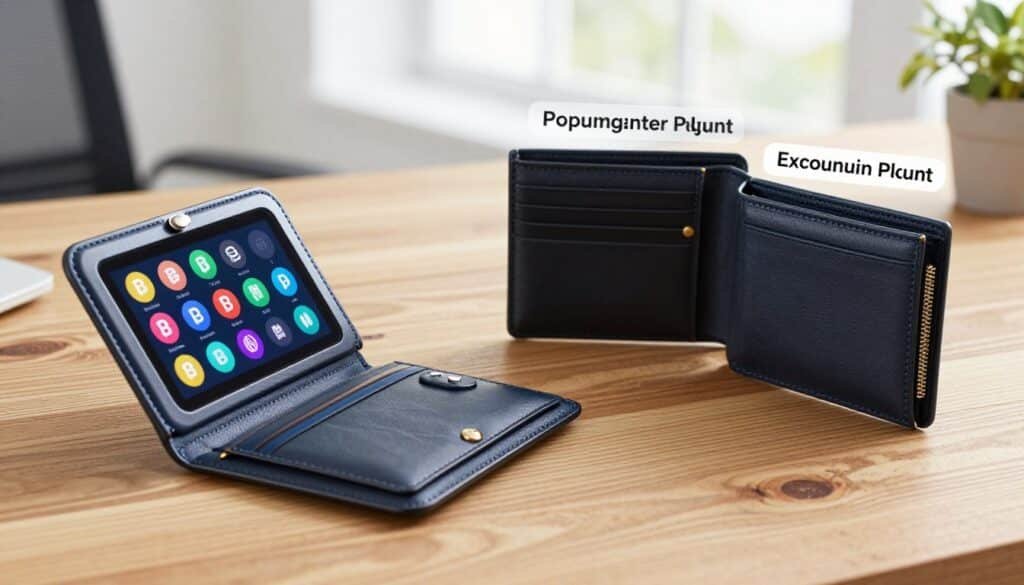
Atomic Wallet vs Exodus: features and stance
The big contrast is UX versus openness. One app focuses on streamlined flows and integrated services. Atomic emphasizes wider coin coverage and fully open-source modules, which appeals to advanced users.
Hot wallets for daily use vs vault-like hardware storage
Hot apps work well for everyday sending, swapping, staking, and NFTs. For large balances, pair a hot app with a hardware wallet to keep keys offline. That adds an extra layer of security and reduces device risk.
- Best for daily: polished app with quick swaps and staking.
- Best for savings: dedicated hardware for long-term keys.
- Common to both: self-custody requires safe seed storage and good device hygiene.
| Aspect | Polished App | Open-source Option |
|---|---|---|
| Ease of use | High; integrated features | Moderate; more settings |
| Asset breadth | Wide | Broader token list |
| Security approach | Hot by default; pairs with hardware | Hot by default; transparent code |
| Best fit | Daily management and staking | Advanced users wanting transparency |
For a deeper set of alternatives and guidance on safe storage, see best alternatives and tips on how to safely store your keys.
Conclusion
Overall, the product offers a smooth on‑ramp for daily crypto tasks while preserving user control.
Core value: a polished, multi‑chain, self‑custody experience that keeps private keys local and simplifies sending, staking, swapping, and NFT management.
Where it excels: clean UX, broad asset support, built‑in swaps, staking, NFTs, and a capable Web3 extension for DApp access.
Limits to note: no native 2FA, partial open‑source components, no shielded ZEC support, and swaps rely on third‑party providers with variable spreads and AML checks.
Practical guidance: pair the app with a Trezor or Ledger for larger sums, compare in‑app swap quotes to exchange fees when costs matter, keep device hygiene tight, and store your recovery phrase offline and secure.
FAQ
What is the main purpose of this blockchain wallet?
This product is a noncustodial software app that gives users direct control of private keys and crypto funds. It supports desktop, mobile, and a browser extension for accessing Web3 apps, sending and receiving coins, swapping tokens, staking certain assets, and pairing with hardware devices for added security.
How do private keys and recovery work?
Keys are generated and stored locally on your device. You receive a 12-word recovery phrase during setup that restores access if a device is lost. Keep that seed offline and secure; anyone with it can control your funds. There is no custodial backup on company servers.
Can I pair a hardware device for cold storage?
Yes. The app supports pairing with popular hardware devices so you can approve transactions on a physical device. That setup keeps private keys offline while using the app’s interface for portfolio viewing and transaction composition.
Are transaction fees charged by the provider?
There is no fee to store or receive assets. Network fees apply for on-chain sends and staking operations. Swaps use third-party liquidity providers and include spreads plus network fees, which together determine the final cost.
How do built-in swaps and trading work?
Swaps route orders through third-party aggregators and liquidity partners. Quotes show a spread and the expected network fee. Execution speed and availability vary by region and token; for large trades, centralized exchanges may offer tighter pricing.
Is identity verification required to use the core wallet?
No KYC is required for basic self-custody functions like sending, receiving, or storing assets. KYC is necessary for on-ramp services such as buying crypto with fiat and some third-party swap providers integrated into the app.
What level of privacy can I expect on-chain?
On-chain transactions are public and linkable by addresses. The app doesn’t add privacy layers; shielded options like Zcash require special handling and have limitations. To reduce exposure, rotate addresses, limit third-party services, and use privacy-aware chains where available.
Which coins and networks are supported?
The platform supports a wide range of chains including major networks like Bitcoin, Ethereum, Solana, Cosmos, and many EVM-compatible chains. It also accepts custom tokens and periodically sunsets assets when network maintenance or support issues arise.
Can I stake crypto inside the app?
Yes. Several assets offer in-app staking with rewards. Coverage changes over time. Expect varying APYs, possible validator selection risks, and chain-specific unstaking windows and mechanics that affect when funds become liquid again.
How safe is the app and is the code open source?
The app stores keys locally and offers password and biometric locks. Parts of the codebase are open source, but some components remain closed. There is no native two-factor authentication for transactions, so pairing with a hardware device is recommended for significant holdings.
What customer support options exist and how responsive are they?
Support is available through in-app ticketing and help pages. Many users praise response clarity and turnaround; common friction points include AML reviews from partners and disputes tied to third-party swap providers.
How does this app compare to other hot and hardware solutions?
It targets users who want an easy-to-use hot wallet with broad token support and a strong UI. For maximum cold-storage security or strict privacy, a dedicated hardware-only workflow or privacy-focused wallet may be preferable.
Are NFTs and DApps supported?
The interface displays NFTs for supported chains like Ethereum and Solana and includes Web3 connectivity. Mobile WalletConnect and the browser extension enable DApp access, though marketplace and DApp feature parity may differ across platforms.
What are the recommended safety practices for everyday users?
Use a strong device password and biometrics, back up your 12-word phrase offline, enable hardware pairing for large balances, update the app regularly, verify recipient addresses carefully, and avoid storing recovery data in cloud services or screenshots.

No comments yet