
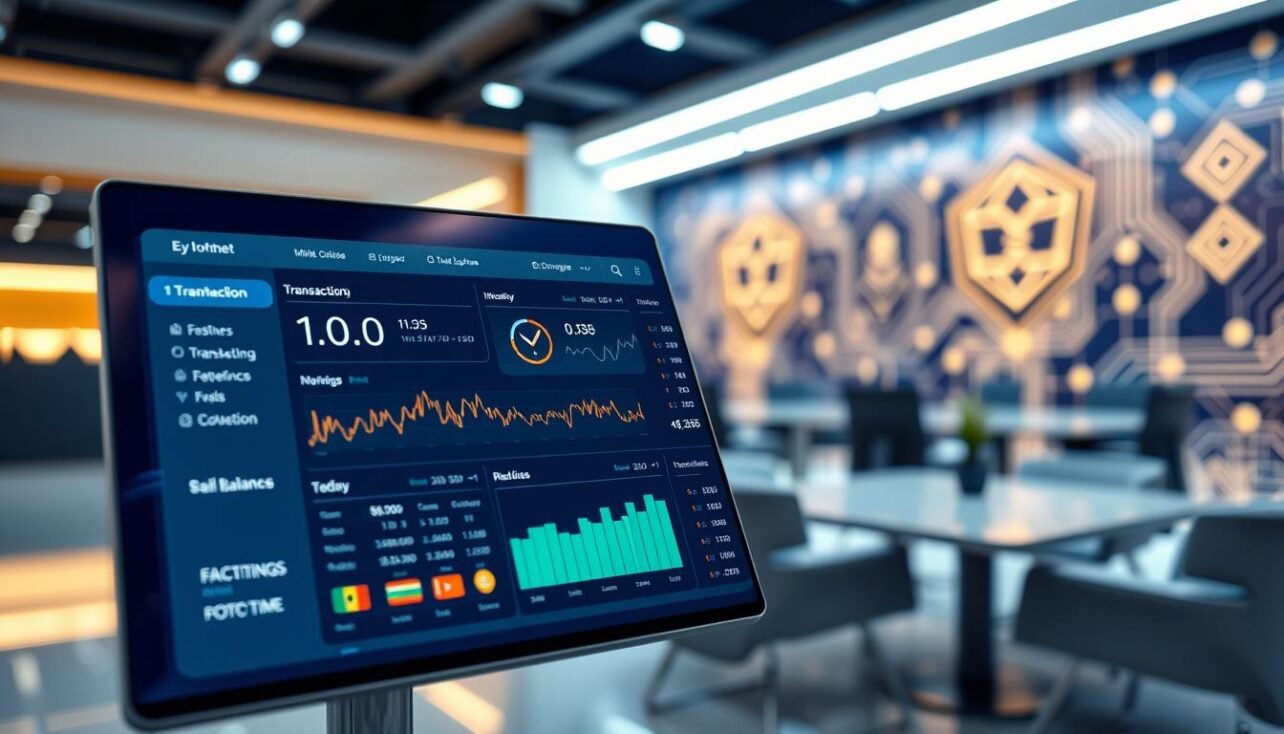
Imagine a search engine built not for the web, but for an entire financial ledger. That’s the core function of a blockchain explorer. These specialized interfaces let you inspect the public record of any cryptocurrency network.
Every transfer, wallet balance, and smart contract interaction is recorded as data on the chain. This information is open for anyone to see, but raw blockchain code is hard to decipher. An explorer transforms that complex data into a readable format.
You can verify transactions, track funds, and audit contract activity directly. This capability makes the shared database truly transparent and searchable. It is the tool that unlocks the promise of trustless verification in crypto.
Understanding this portal is essential for active participants. This guide will start with basic concepts, like reading simple transfers. We will then advance to interpreting complex on-chain events.
Different networks require their own explorers. Mastering them empowers you to independently check your activity. Best of all, these powerful resources are completely free and available to everyone.
What is a Blockchain Explorer?
This specialized portal decodes complex on-chain information into human-readable formats. It acts as a search engine for ledger data, not web pages.
A block explorer is a website that queries network nodes. When a user enters a wallet address or hash, the interface fetches raw data. It then presents the information clearly.
Definition and Functionality
The tools work by sending requests to the network. APIs interpret the returned code into graphics and numbers. This process turns cryptic chains into understandable activity logs.
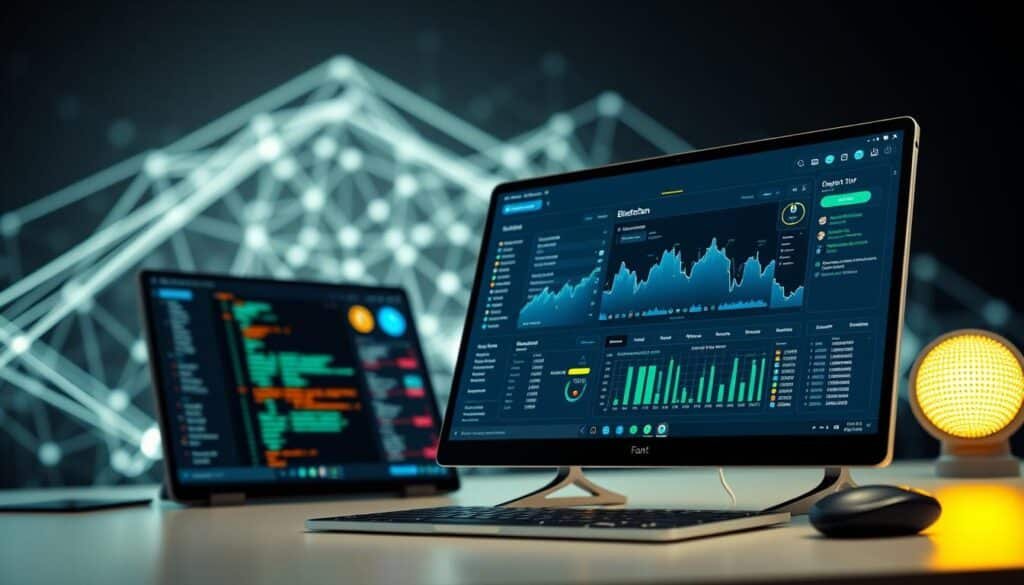
You can see pending transfers in the mempool. You can also inspect confirmed blocks back to the chain’s start. For a deeper look, this beginner’s guide explains on-chain transparency.
Key Components and Transparency
Every block explorer shows live transactions and historical records. It displays details like token supply and contract balances.
This open access allows anyone to verify wallet activity. It also lets you audit smart contracts without permission. Such transparency is foundational for trust in crypto systems.
Checking a stablecoin’s contract reveals its reserves. Reviewing blocks shows network health and speed. These tools are vital, much like choosing secure crypto wallets for asset safety.
How to Read a Blockchain Explorer
Transaction verification is a fundamental skill that ensures your funds move correctly. This process demystifies the public ledger. We’ll break it into a simple procedure and the key data you must check.
Step-by-Step Process
Always verify the recipient’s address before sending. For assets like XRP or XLM, include the required memo tag.
After initiating the transfer, your wallet provides a transaction hash. This is your tracking number. Paste it into your explorer‘s search bar within a minute or two.
The portal will show the transaction as unconfirmed. Check the send time, amount, and involved addresses here. Refresh the page after a short wait.
The status will update to confirmed. If it fails, your balance remains the same. A confirmed transaction is permanent and irreversible.
Identifying Essential Data Points
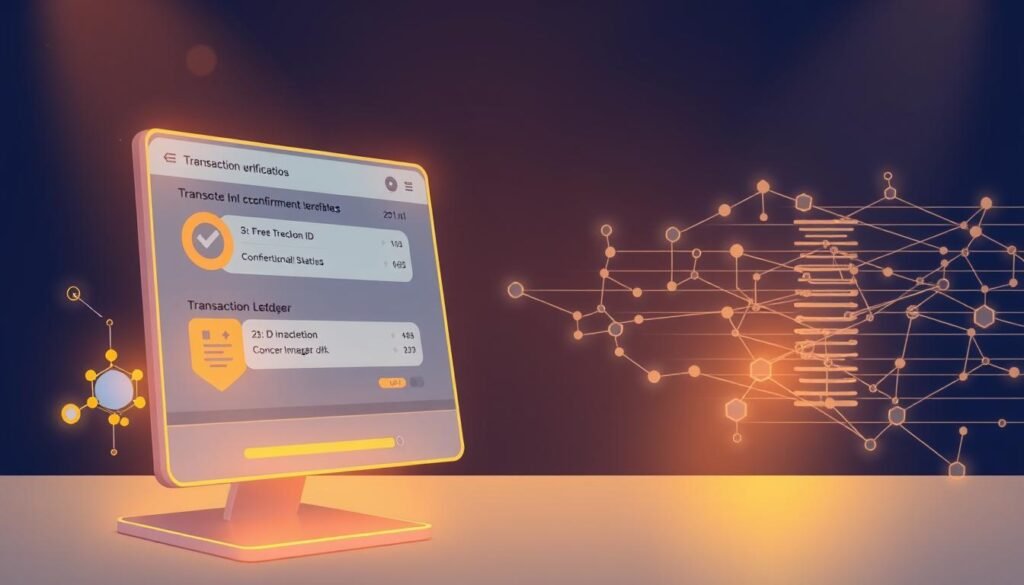
Every explorer page displays core details. Learn to spot these five elements.
The transaction hash is the unique ID. Status shows if it’s pending or complete. Network fees are the cost of processing.
The timestamp marks when the transaction was broadcast. Finally, you see the sending and receiving addresses. This set of data lets any user perform an independent audit.
Exploring Transaction Details on the Blockchain
The true power of transparency lies in the ability to dissect every transaction‘s core components. Each entry on the public ledger contains specific details that tell its full story.
Understanding Transaction Hashes and Addresses
Every transaction has a unique hash, or ID. This transaction hash acts like a permanent receipt number for on-chain activity.
Sending and receiving addresses are clearly listed. Clicking any address reveals its complete history. You can see the wallet‘s incoming and outgoing transaction flow.
Verifying Status, Fees, and Timestamps
The status field is critical. An unconfirmed transaction sits in the mempool and could fail. A confirmed one is locked into a block permanently.
Network fees show the cost to process the transfer. These fees incentivize validators. The time stamp marks when the network received it.
Sometimes, one transaction shows many receiving addresses. This is batching, where services send one payment covering multiple recipients to save on costs.
Diving into Bitcoin and Ethereum Explorers
Mastering blockchain data means recognizing how networks like Bitcoin and Ethereum track value differently. Their explorers reveal distinct information based on core architectural models.
Decoding Bitcoin Transactions and UTXO Model
Bitcoin uses a UTXO model. A transaction doesn’t just deduct an amount from a balance.
It consumes entire “inputs” and creates new “outputs.” One output is for the recipient. Another output is the “change” returned to the sender.
Explorers show fields like Coinbase for miner rewards and RBF for fee bumping. They also display mining data like difficulty and hashrate.
Analyzing Ethereum Transactions and Gas Fees
Ethereum uses an Account model, similar to a bank balance. This makes tracking simpler at a glance.
The key differentiator is the gas fee. This fee pays for computation and is shown in Gwei. The current gas price fluctuates with network demand.
After the Merge, a “Burnt Fee” entry appears. This removes ETH from circulation. The State section updates all account balances.
Support for smart contracts and tokens means EtherScan shows complex interactions. This is data you won’t find on a Bitcoin explorer.
Utilizing Advanced Tools and On-Chain Analysis
Beyond basic transaction lookups, a sophisticated ecosystem of specialized tools exists for deep on-chain investigation. These resources decode complex smart contracts and aggregate information across networks.
Leveraging Aggregators and NFT Explorers
Specialized block explorers fall into four main categories.
- Layer 1 explorers for independent blockchains like Bitcoin and Ethereum.
- Layer 2 explorers for scaling solutions and cross-chain projects.
- NFT explorers designed for digital collectibles with rich metadata.
- Aggregators that compile data from many chains into one interface.
NFT explorers are essential. They track assets across multiple marketplaces, showing details simple token transactions lack. Aggregators like Blockchair let a user search several networks at once.
Examples of Multi-Function Blockchain Explorers
Platforms like Blockscout organize information into tabs. The Details tab shows basic data. Token Transfers tracks ERC-20 and NFT movements.
Other functions include Logs for decoded contract events and Internal Txns for contract-to-contract calls. This is vital for auditing complex transactions involving swaps or bridges.
Professional firms like Chainalysis connect these data types for in-depth analysis. They serve as a powerful example of advanced on-chain intelligence, a key part of the modern landscape.
Best Practices for Secure and Accurate Verification
The irreversible nature of blockchain transfers makes pre-send checks non-negotiable. A single error in the recipient’s address means permanent loss of funds.
Always follow this pre-send checklist:
- Verify the destination address character by character.
- For cryptocurrency like XRP or XLM, include the required memo tag.
- Double-check the send amount.
After sending, your wallet provides a transaction hash. Paste this into your explorer‘s search bar in 1-2 minutes. You will see transaction details while unconfirmed.
Check the timestamp, involved addresses, and amount. Refresh the page later. A confirmed status means it is locked in a block permanently.
Use features like Ledger’s “View in Explorer” to verify data outside your wallet interface. This lets a user check balances even during service outages.
If a transfer seems slow, check network congestion on the explorer. Legitimate transactions rarely fail. For ultimate security, always use the official explorer website.
Conclusion
The journey through blockchain data culminates in a powerful principle: independent verification. These specialized portals transform theoretical transparency into practical utility for every cryptocurrency user.
Blockchain explorers are essential tools that make the “Don’t trust, verify” ethos actionable. You can personally check every transaction, verify wallet balances, and audit smart contract interactions. This capability reconstructs complete histories and even predicts key network events.
As technology advances, these explorers provide increasingly sophisticated information. They handle everything from simple token transfers to complex contract events. Mastering fundamental data points gives you a foundation for any network.
Bookmark the explorers for blockchains you use most. Make verification a routine part of your crypto activity. These powerful tools democratize access, giving every user the same transparency once reserved for experts.
FAQ
What exactly does a blockchain explorer do?
A blockchain explorer is a search engine for a distributed ledger. It lets you view all public data recorded on that network. You can look up wallet balances, verify transfers, and inspect smart contract code. Tools like Etherscan for Ethereum or Blockchair for multiple networks provide this transparent interface.
What is a transaction hash and why is it important?
A transaction hash is a unique string of letters and numbers that acts like a receipt ID for any on-chain action. It is generated when you send crypto or interact with a dApp. You use this hash to track the status, confirmations, and all details of that specific event on the explorer.
How can I check if my crypto transfer was successful?
Enter your wallet address or the transaction hash into a relevant block explorer. Look for a “Success” status and a sufficient number of block confirmations. The explorer will show the exact time, recipient address, sent amount, and the network fee paid.
What are ‘gas fees’ shown on an Ethereum explorer?
On networks like Ethereum, gas fees are payments made to validators for processing transactions and smart contract operations. The explorer displays the gas price used and the total fee paid. This data helps users estimate costs for future transactions.
Can I see my NFT transactions on a standard explorer?
Yes. Standard explorers like Etherscan show NFT transfers as token movements between addresses. For richer visual data, specialized NFT explorers exist. They aggregate details like collection traits and sale history from the same on-chain information.
What is the difference between a Bitcoin and Ethereum explorer?
The core function is identical: to display public ledger data. However, the information presented differs due to each network’s design. A Bitcoin explorer focuses on inputs/outputs (UTXO model). An Ethereum explorer details complex smart contract interactions, gas usage, and internal token transfers.
How do I know which blockchain explorer to use?
Always use an explorer built for the specific network your transaction occurred on. For Bitcoin, use Blockstream Explorer or Mempool.space. For Ethereum, use Etherscan. Multi-chain tools like Blockchair or OKLink support many blockchains from one interface.
What are the security best practices when using these tools?
Never enter your private key or seed phrase into any explorer. They are for viewing public data only. Always double-check that you are on the official website of the explorer to avoid phishing scams. Use the tool to verify details independently before trusting a third party.

No comments yet