
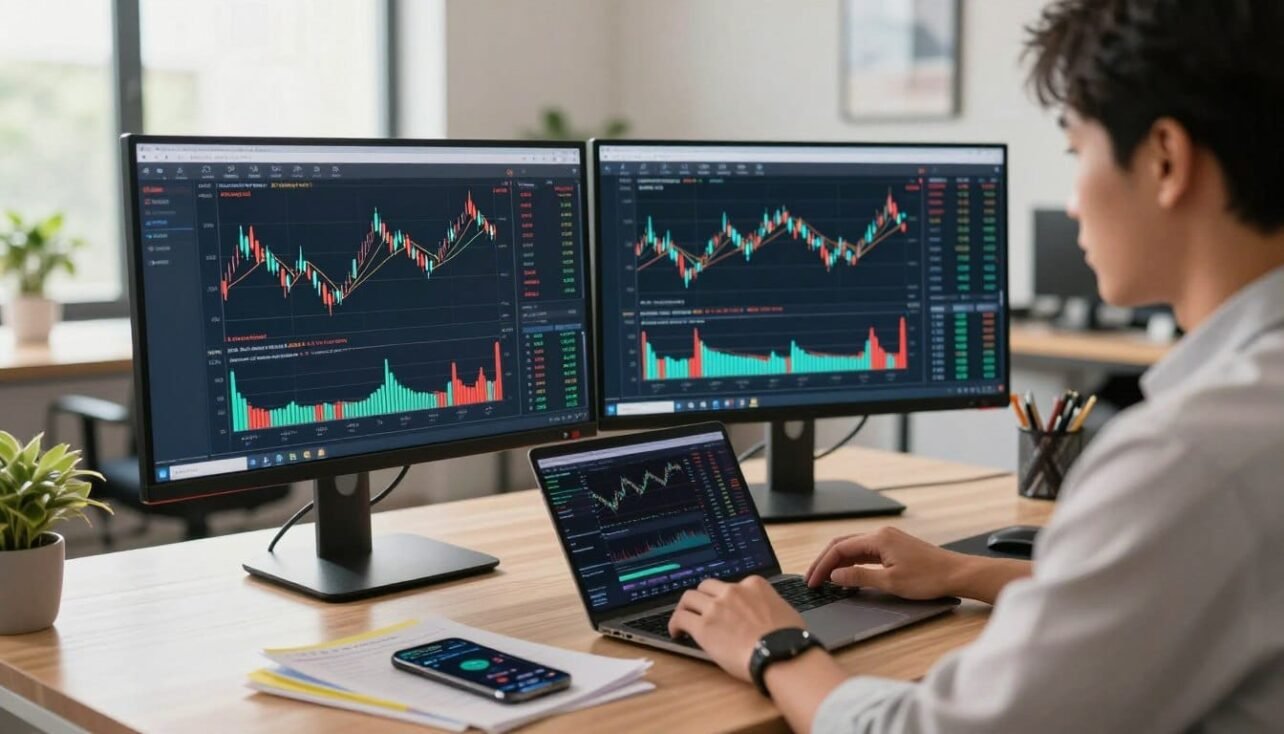
This introduction lays out a clear, repeatable workflow for chart analysis and order execution on a single platform. Readers will learn practical steps: pick the right symbol, read price charts, apply indicators, set alerts, and move from paper trades to live orders. The aim is a compact, usable routine for the fast-moving market.
The guide focuses on current features used by U.S. traders: real-time data, templates, alerts, screeners, and execution via supported broker connections. Expect section-by-section lessons: account setup, Supercharts mastery, alerts and screeners, news and community, then order execution. Tools help decision-making but do not guarantee results.
Stay risk aware and disciplined. This piece shows strategies and a workflow, not promises. For a deeper walkthrough, see our guide to crypto trading with TradingView.
Why Traders Use TradingView for Crypto Market Analysis
Real-time charts and fast data streams give active traders a clear edge when price swings suddenly. That speed matters for scalpers, day traders, and swing traders who must react when markets shift.
Advanced charting combines live data with flexible visual tools. Clear price charts, overlays, and indicators help traders spot patterns and confirm setups without hunting across apps.
All-in-one workflow
Supercharts, watchlists, alerts, and a news feed sit in one view. This reduces context switching and keeps charting and analysis in a single flow.
Front-end interface and order routing
The platform acts as a front-end: it shows charts and prepares orders while your connected broker or exchange executes trades. Credentials stay in your browser, and funds remain at the broker.
Community-driven edge
Shared ideas and public indicators speed research. Treat community posts as prompts—validate each idea with your own technical analysis and avoid hype-driven choices.
- Benefits: clearer charts, faster signals, fewer missed moves.
- Outcome: a more consistent process across assets and markets.
How to Use TradingView for Crypto: Account Setup and Core Settings
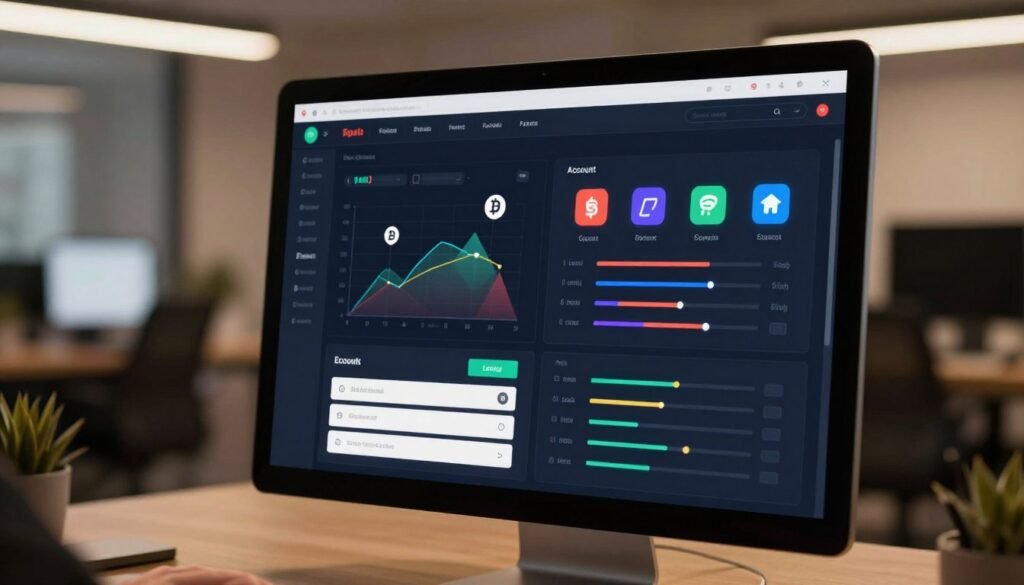
Begin with account setup, then lock in core defaults that match your trading routine. Choose a free or paid plan based on how many templates, saved layouts, and simultaneous indicators you need. Paid plans unlock more charts and saved workspaces; free plans cover basic practice.
Security and basic protections
Security checklist: enable two-factor authentication, use a strong unique password, and review active sessions and device settings. These simple steps protect your account and session data.
Pick symbols, pairs, and chart defaults
Search the correct symbol and confirm the exchange feed. Verify the trading pair (BTC/USD vs BTC/USDT) so price and volume match the asset source. Bad data skews analysis.
Chart defaults: set candles, bars, or line view based on your style, and fix go-to timeframes for consistent comparisons across assets. Save indicator templates and multi-chart layouts so your workspace loads each session.
- Save templates for indicators and layouts
- Organize watchlists by asset type
- Quick data hygiene: confirm exchange, pair, and volume before acting on price
Mastering Crypto Price Charts in Supercharts
Set up your Supercharts so the most relevant information stands out at a glance. Choose a readable theme, adjust scaling, and hide all positions & orders when you need less noise. Keep only the elements that support decision-making.
Drawing and pattern workflow
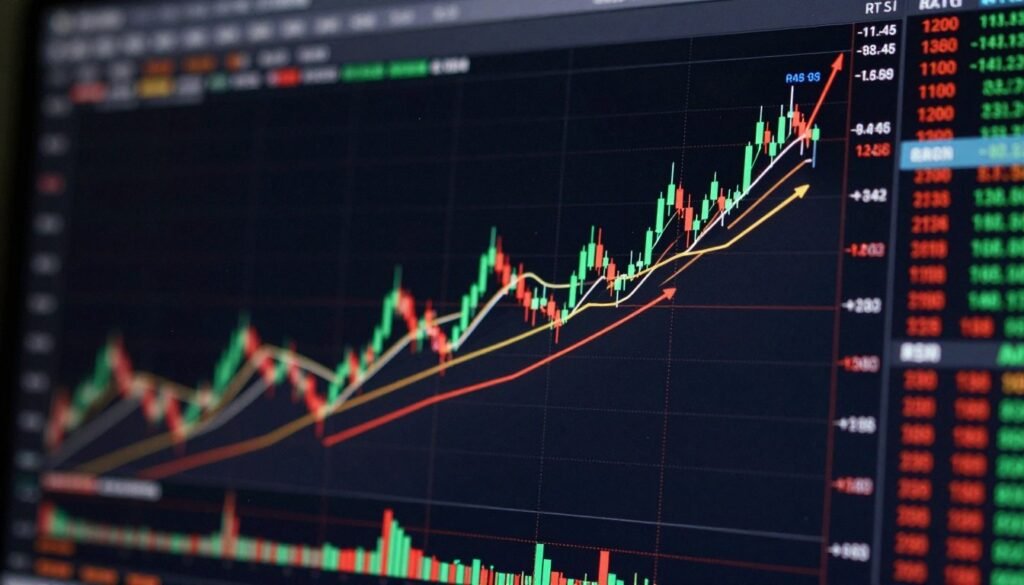
Mark major swing highs and lows, then draw trendlines and horizontal zones for clear support resistance. Use the line tool for trend confirmations and box tools for range zones. Document invalidation points and short notes as you work.
Indicators, risk, and time alignment
Add moving averages, RSI, MACD, and Bollinger Bands sparingly so charts stay readable. The indicators library has built-ins and public scripts—start with popular options, review feedback, and avoid blind trust.
Apply the risk/reward tool on-chart: map entry, stop-loss, and take-profit until the ratio fits your risk tolerance. Align higher timeframes for trend, mid timeframes for structure, and lower frames for execution timing. This keeps strategy, risk, and trade timing consistent.
Trading Smarter With Alerts, Screeners, News, and the Community
Alerts, screeners, news, and community ideas form a practical monitoring layer. Use them to stay aware without watching charts all day. Set up price alerts for breakouts, retests, and invalidations so you only act when key levels trigger.

Trendline and price alert workflow
Draw your trendline, then add an alert on trendline so you get notified when structure changes. For price alerts, mark decision zones and attach alerts that include notes and expiry.
Watchlists and focused tracking
Create watchlists by theme: majors, DeFi, and L2s. Keep a short focus list for active setups and add one-line notes for quick context.
Scan, news, and community guardrails
Run the Crypto Screener with filters for volume, performance, and momentum ratings, then move candidates into a watchlist for deeper analysis.
- Check the News feed and Calendar before trades—macro events can spike volatility and invalidate levels.
- Use community ideas as hypothesis prompts: confirm each on your chart, validate the timeframe, and define risk before trading.
For a practical chart walkthrough and more on analysis, see our chart analysis for U.S. traders.
From Practice to Live Trades: Paper Trading, Brokers, and Order Execution
Move from practice to live trades by validating rules in a realistic paper account first. Paper trading runs real market data without real losses so you can fix weaknesses before risking capital.
Set up and mirror live conditions
Customize your paper account: pick an initial balance, base currency, leverage per asset class, and commissions. Model these settings so paper results match live expectations and reduce false confidence.
Connect brokers and route orders
Use the Trading Panel to link a verified broker or exchange. Remember, the platform displays and routes orders; the broker holds funds and executes trades.
Order types, sizing, and quick execution
The Order Panel supports market, limit, and bracket orders with validity options. Position sizing offers cash amount, % balance, or risk-based sizing tied to your stop-loss.
- On-chart orders: create, preview, and drag levels on the chart—be aware that dragging to current price can execute the trade.
- Depth of Market: Level 2 shows order book depth; practice reading it in paper trading before live use.
- Speed tools: save presets, use Buy/Sell buttons and hotkeys for instant placement with preset values.
Monitor performance in the Account Manager. Review balances, past trades, and open positions so each trade cycle improves with factual data.
Conclusion
Finish with a clear routine that links research, paper practice, and live execution.
Summarize the end-to-end workflow: pick the right cryptocurrency market and symbol, build clean charts, apply a few indicators, set alerts, then move from paper trading into a broker-connected live account.
The platform speeds analysis and execution, but results depend on process quality, risk control, and consistent review.
Next steps you can follow now: screen in the morning, map higher-timeframe levels, set alerts, and only execute when conditions trigger. An example routine: scan, mark zones, attach alerts, then place trades that meet your plan.
Always validate data sources and trading pairs for cryptocurrencies to avoid bad signals. Review trades weekly, refine strategies from evidence, and keep templates current. Community ideas can accelerate learning, but anchor every decision in your own analysis and a defined risk plan. For a practical chart walkthrough, see our chart analysis guide.
FAQ
What makes TradingView a go-to platform for cryptocurrency market analysis?
Traders rely on TradingView for its advanced charting, real-time price data, configurable watchlists, built-in news, and community ideas. The platform combines Supercharts, alerts, and a large indicators library so users can perform technical analysis, scan markets with the Crypto Screener, and follow market-moving events all in one interface.
How do chart templates, layouts, and timeframes speed up analysis?
Saving templates and workspace layouts lets you switch instantly between setups—day trading, swing, or longer-term views. Predefined timeframes and multiple chart panels help align trend, momentum, and entry timing without rebuilding indicators each session.
Which indicators should beginners add first to price charts?
Start with core indicators: moving averages for trend, RSI for momentum, MACD for crossovers, and Bollinger Bands for volatility. Use support/resistance drawing tools and risk/reward overlays to plan stops and take-profits before adding niche public scripts.
Can I test strategies without risking real funds?
Yes. Paper Trading emulates real orders and balances. You can customize starting capital, base currency, leverage, and commissions to mirror a live account, then review performance in the Account Manager before connecting a broker.
How does TradingView connect with brokers and exchanges?
The Trading Panel lists supported brokers and crypto exchanges. After authorizing a connection, order execution happens through your broker. TradingView stores credentials locally in the browser, and the platform acts as a front-end interface for chart-based order entry.
What order types and execution tools are available on the platform?
The Order Panel supports market, limit, stop, and bracket orders, plus order validity settings. You can place orders on-chart, drag levels to modify them, and use presets or hotkeys for faster execution. Depth of Market and Level 2 data are available where supported.
How do alerts and screeners limit time spent watching charts?
Create price, trendline, or indicator alerts that push notifications to email, SMS, or the app. Use the Crypto Screener to scan symbols by performance or momentum criteria and maintain watchlists to focus on high-probability setups instead of monitoring all markets continuously.
What security steps should I take when setting up an account?
Enable two-factor authentication, use a strong unique password, and review connected apps and brokers regularly. Because broker credentials remain in your browser, keep your device secure and clear stored logins on shared machines.
How can traders filter quality ideas from community scripts and posts?
Vet authors by their track record and published results, read comments, and backtest public indicators before applying them to live trades. Treat community content as inspiration, not financial advice, and watch for signs of hype or unrealistic claims.
What is the best way to choose the correct exchange and trading pair on charts?
Select the exchange that provides the most reliable price feed for the pair you trade. Compare tick data across exchanges to avoid bad data, and pick the symbol with appropriate liquidity to reduce slippage on entries and exits.
Which tools help define entries, exits, and risk management visually?
Use the risk/reward tool to map stop-loss and take-profit levels, trendlines and horizontal support/resistance for structure, and position sizing calculators to set trade size based on percent risk or dollar risk per trade.
How do I set up alerts that include indicator conditions, not just price levels?
When creating an alert, choose the indicator or script as the condition source and configure the expression (crossing, greater than, less than). Many public scripts support alert functionality; test them on past data first.
Are level 2 and order book tools useful for crypto traders on the platform?
Yes. Where available, Depth of Market and Level 2 data improve understanding of supply and demand and help time entries for large orders. These feeds are most valuable for short-term traders and those trading high-volume pairs.
What common mistakes should newcomers avoid when trading crypto via the platform?
Avoid overloading charts with indicators, trading without a plan, ignoring liquidity and spread, and following unverified ideas blindly. Always paper trade strategies, size positions based on risk limits, and keep emotion out of execution with preset orders.
Can I track performance and review trade history within the platform?
The Account Manager and Paper Trading logs display balances, open positions, and past trades. Use these tools to analyze win rate, average return, and drawdowns so you can refine strategy and position sizing over time.

No comments yet