
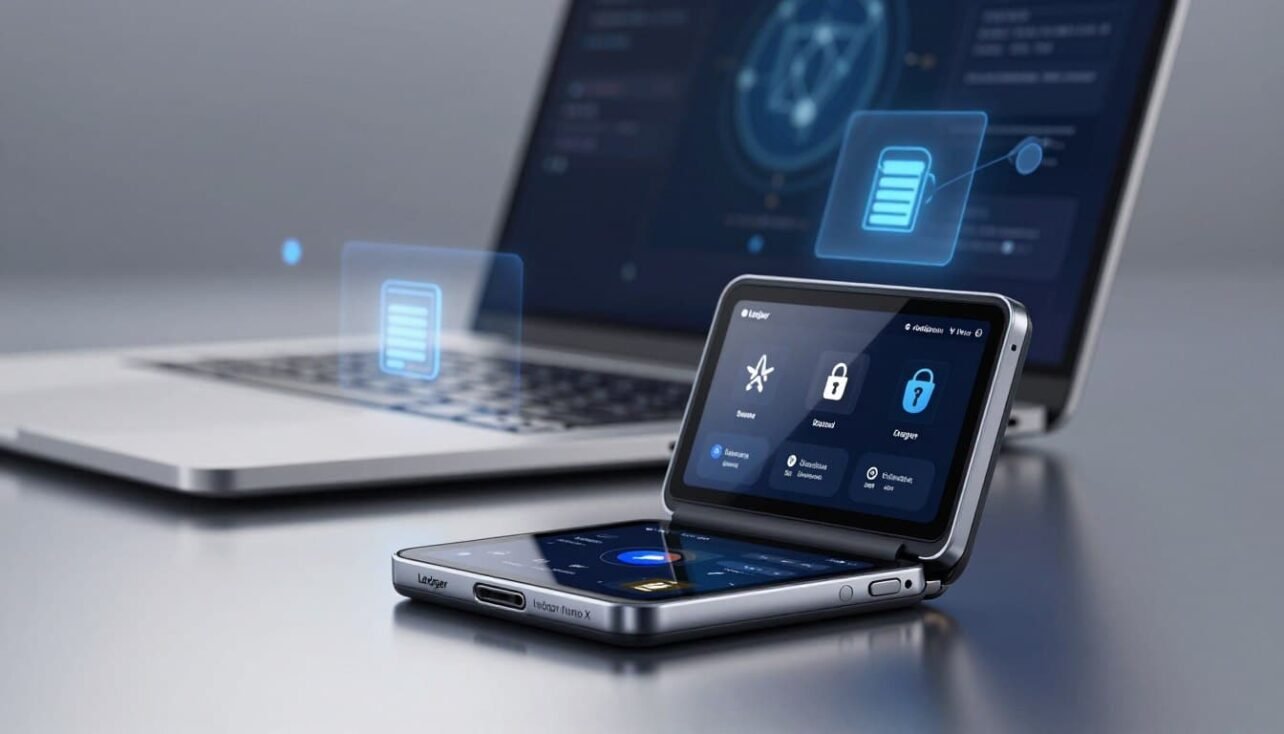
This introduction explains what we cover today: how a mid‑range Bluetooth hardware wallet balances mobile convenience with a strong security model and who it suits at its ~$149 price point.
We will evaluate the device architecture and in‑hand experience. You’ll get clear notes on Bluetooth behavior, battery life, app capacity, supported coins, and real‑world setup steps.
Security matters most: the foundation here is a certified Secure Element and BOLOS isolation, with on‑device confirmations that keep approvals verifiable on screen.
We also address past incidents transparently: a 2023 web supply‑chain issue affected some dApp front‑ends, not the hardware. A 2020 e‑commerce data leak exposed customer info but not funds.
Expect practical tips for pairing, firmware checks, and seed handling. We’ll rate daily management for coins, DeFi, and NFTs, and benchmark this model against peers so U.S. readers can choose confidently. For deeper details see our linked discussion on the full device review.
Quick Verdict and Scorecard for Everyday Crypto Users
This quick verdict sums up strengths and trade‑offs for typical mobile crypto users.
Plain-English verdict: The device hits a sweet spot for everyday investors who want strong security with true mobile convenience at a mid‑range price.
The scoring looks at five areas: core security, asset support, DeFi/NFT capability, app/UX stability, and ecosystem support. Each area matters for regular sending, staking, and on‑the‑go approvals from a phone.
Who should consider this device right now
- Users with $500–$1,000+ in crypto, or those holding 10+ assets.
- People moving off exchanges and managing DeFi or NFTs on iOS/Android via the official app.
- Travelers who need Bluetooth approvals and a larger app capacity than budget models.
Not ideal: budget buyers who prefer wired desktop only (consider the S Plus), open‑source purists, or buyers wanting a touchscreen display.
| Category | Score (out of 5) | Why it matters |
|---|---|---|
| Security | 5 | Certified element and on‑device confirmations keep keys protected. |
| Asset support | 5 | Wide coin list and many installable apps suit multi‑chain users. |
| DeFi / NFT capability | 4 | Works well with WalletConnect and mobile swaps, minor UX quirks remain. |
| App / UX stability | 4 | Stable official app, ongoing updates and third‑party integrations. |
| Value at price | 4 | At about $149, it’s competitive if mobile approvals reduce friction. |
Bottom line: If mobile approvals and a mature ecosystem cut daily friction for you, this wallet is worth the price. Keep reading for specs, security incidents, and comparisons before you buy.
Core Specs, Build Quality, and In‑Hand Experience
Below we cover the build, screen clarity, and button layout you’ll interact with every day.
Design, buttons, and screen readability
The compact stick form pairs a plastic inner body with a brushed metal swivel cover. Dimensions are about 72 x 18.6 x 11.75 mm and weight is roughly 34 g, so it fits easily in a pocket while feeling solid.
The two top physical buttons scroll left or right; pressing both confirms actions. This simple layout keeps the attack surface small and forces deliberate confirmations.
The OLED is 128 x 64 px, monochrome, and optimized for addresses, amounts, and contract prompts. Text is small but crisp, with horizontal scrolling for long lines.
- Connectivity: USB‑C cable for wired desktop sessions and Bluetooth 5.0 for phone pairing.
- App capacity: Up to 100 installed apps depending on size, useful for multi‑chain wallets.
- Carry: The swivel sleeve protects the screen and buttons and reduces accidental presses when closed.
| Spec | Detail | Why it matters |
|---|---|---|
| Dimensions / Weight | 72 x 18.6 x 11.75 mm, ~34 g | Pocketable and sturdy for daily carry |
| Screen | OLED 128 x 64 px, monochrome | Crisp address and amount checks on‑device |
| Buttons | Two buttons; left/right and both to confirm | Manual confirmations reduce remote attack risk |
| Connectivity | USB‑C cable + Bluetooth 5.0 | Desktop updates and mobile approvals |
| App capacity | Up to 100 apps | Less reinstalling for multi‑chain users |
In practice, the hinge and metal sleeve inspire confidence. While not full‑metal, the build quality suits daily use and keeps confirmations visible on the device before any transaction is signed.
Security Deep‑Dive: How Ledger Protects Your Private Keys
This section peels back the security layers to show how the device keeps your keys safe.
Hardware root: certified secure element and BOLOS
The ST33J2M0 is a CC EAL5+ secure element that generates and stores private keys inside the chip. Keys never leave the element under normal operation.
The BOLOS operating system isolates blockchain apps from core key handling. That system design limits what any app can access and reduces attack surface.
Transport layers: USB and Bluetooth behavior
USB and Bluetooth are treated as untrusted conduits. Only transaction payloads move across them—never raw keys.
Bluetooth channels are encrypted and every signature needs on‑device review and button confirmation, so approvals remain anchored to the screen.
Past incidents and practical lessons
The December 2023 Connect Kit supply‑chain issue affected some dApp front‑ends and pushed phishing flows; it did not breach hardware or firmware.
The July 2020 marketing/e‑commerce data leak exposed customer contact info, not funds. Best practice: buy from official channels, limit shared details, and consider aliases.
- Use a passphrase to create hidden wallets for extra protection.
- Always verify URLs, check on‑device prompts, and keep firmware up to date.
For a broader comparison and buying advice, see the full device review.
Bluetooth Mobile and Battery Behavior in Daily Use
How Bluetooth pairing and power management perform defines the on‑the‑go experience.
The mobile flow is simple. Pair over Bluetooth 5.0 from the official app on iOS or Android, prepare a transaction on your phone, and verify details on the device before confirming.
On the move you’ll see addresses, amounts, and prompts on the small screen. Scrolling handles long lines so you can check contracts and recipients without a laptop.
Battery expectations and charging habits
The internal ~100 mAh battery gives a few hours of active signing and weeks of standby for moderate users. Most people top up every couple of weeks to stay ready for spontaneous approvals.
If the battery hits empty the unit is not bricked. Plug a short USB‑C cable into a phone or computer and continue as a wired session immediately.
Security and daily resilience
Bluetooth acts as a convenience transport layer only. All data sent over the air is encrypted and signatures still require on‑device confirmation—private keys never leave the secure element inside the hardware wallet.
Typical on‑the‑go uses include claiming staking rewards, DEX swaps, NFT mints or listings, and time‑sensitive approvals away from desktops. For pairing hygiene, start pairing from the app, confirm codes on both ends, and if problems occur forget the pair and retry with permissions enabled.
- Keep a short USB‑C cable in your travel kit as a backup.
- Charge periodically to avoid unexpected downtime.
- Treat Bluetooth as a convenience, not a replacement for safe practices.
Ledger Wallet (formerly Ledger Live) App: Portfolio, DeFi, and NFTs
The companion app centralizes accounts, swap rails, and NFT galleries for quick action on phone or desktop.
Command center: View balances, transaction history, and account-level details across multiple chains in one place. The app syncs between mobile and desktop so you can switch contexts without losing track.
Portfolio, sends/receives, ramps, and swaps
Prepare sends and receives inside the app, then confirm each action on your device. Integrated on‑ramps (Coinify, MoonPay, Banxa) and partner swap rails let you move fiat↔crypto and swap tokens without exposing private keys.
DeFi and dApp integrations
Connect to DeFi via WalletConnect or a browser extension like MetaMask or Rabby. Transactions originate in the app or dApp but require on‑device approvals, keeping signing local for stronger security.
NFT management and native vs third‑party flows
View and manage NFTs on supported chains; major L1s are handled natively while long‑tail ecosystems rely on third‑party wallets. Either way, the final signature always happens on the hardware device.
- Staking: Delegate and monitor rewards for DOT, SOL, XTZ, ATOM, etc., and track unbonding windows.
- Partner features vary by jurisdiction—U.S. users should check availability.
- Best practice: install the official app source, keep firmware current, and read every on‑device prompt before approving.
Supported Assets and App Capacity: Managing 5,500+ Coins
A wide asset catalog and flexible app slots make cross‑chain management practical for active users.
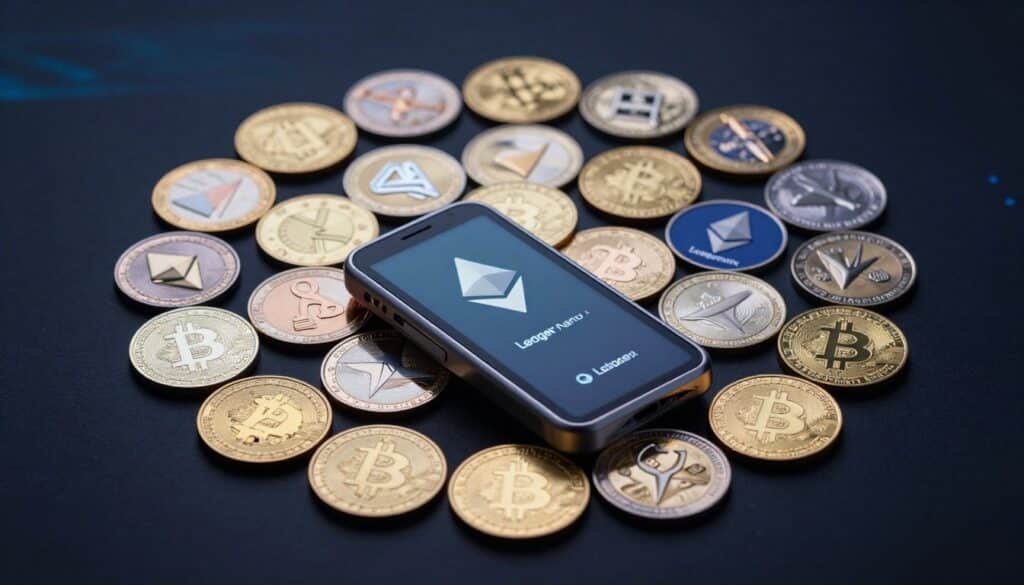
Support breadth: The device handles 5,500+ coins and tokens, covering major L1s, stablecoins, ERC‑20s, and most popular NFTs. That level of coverage fits the vast majority of portfolios without special workarounds.
Native app flows vs third‑party wallets
High‑cap chains like BTC and ETH are managed natively inside the official app for simple account views and sends.
Niche or emerging ecosystems link through third‑party wallets such as Phantom, MetaMask, or Keplr. Transactions still require on‑device approvals, so keys never leave the secure element.
Why up to 100 installed apps matters
Practical benefit: With room for up to 100 apps (varies by size), you avoid constant uninstalling when switching chains. That saves time for frequent DeFi, staking, or NFT activity.
| Use case | Typical flow | Example |
|---|---|---|
| Major chains | Native app | BTC, ETH |
| Solana & Cosmos | Third‑party wallet + device signing | Phantom, Keplr |
| Tokens / NFTs | ERC‑20 support & gallery | ERC‑20, popular NFT chains |
Tip: Plan installed apps around coins you actively use. App sizes vary, so pick slots to match real holdings and reduce friction when trying new chains.
Setup and First Use: From Unboxing to Your First Transaction
Unboxing to first send — follow this practical path to initialize your device safely. The goal is simple: verify authenticity, set credentials, secure the recovery, and test a small transfer.
PIN and recovery basics
Power on and choose to initialize as a new user. Set a strong PIN on first boot. Write the 24-word recovery phrase exactly as shown—do not photograph or store it online.
Confirm a few words when prompted to verify the backup. Treat the seed phrase as the ultimate key: anyone with it can access your funds.
Pairing, firmware, and desktop notes
Download the official app from the vendor site and pair Bluetooth from inside the app — not from the phone OS menu. Confirm the code on both screens.
If pairing fails, forget the pair, reboot phone and device, and retry. Use the desktop connection for firmware updates and heavier management.
- Install only needed coin apps, then send a small test transaction.
- Store the seed on a metal backup and consider a passphrase for extra safety.
- Keep the device and app updated for security improvements.
ledger nano x review Against Its Peers
We line up competing wallets to highlight differences in connectivity, UX, and value for different users.
Nano X vs Nano S Plus: Bluetooth, battery, and price trade‑offs
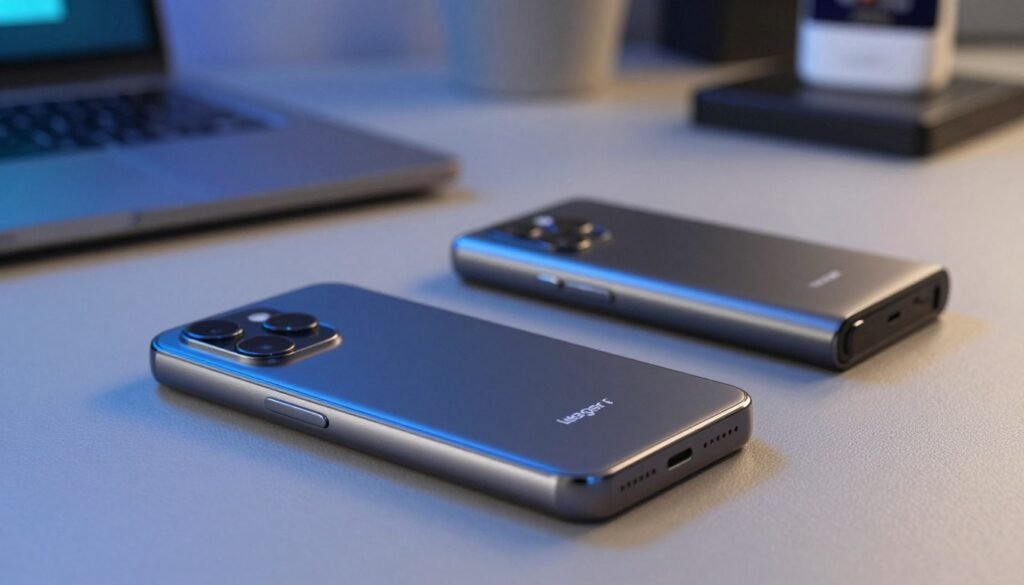
Core security is the same—both devices share the secure element and OS model. The main differences are mobility and cost.
The more expensive model adds an internal battery and Bluetooth for on‑the‑go approvals. The S Plus is a solid, lower‑cost pick for desk‑first users who prefer wired sessions.
Nano X vs Ledger Stax: touch display polish vs mid‑range value
Stax offers a large E‑Ink touchscreen and premium UX for frequent signers.
For most users the mid‑range device keeps the best value: physical buttons, small screen, and lower price while retaining broad app support.
Rivals to consider
- Trezor: open‑source firmware for transparency.
- Ellipal Titan & NGRAVE Zero: fully air‑gapped, camera or QR‑based signing.
- Keystone: QR workflows that avoid USB/Bluetooth entirely.
| Comparison | Strength | Who it fits |
|---|---|---|
| Mid‑range device (~$149) | Bluetooth, battery, up to 100 apps | Mobile users and travelers |
| S Plus (~$79‑$80) | Lower price, same secure element | Budget buyers, desktop‑centric users |
| Stax | Large touchscreen, premium UX | Frequent signers who value polish |
| Air‑gapped rivals | QR/camera signing, different threat model | Users who avoid wireless/USB |
Bottom line: All these hardware wallets seek to protect keys offline. Choose by budget, preferred UX (screen and buttons), and your stance on closed vs. open firmware. Match the device to the risks you most worry about.
Who It’s Best For—and Who Should Skip It
This section helps match common buyer types to the device’s strengths so you can decide quickly.
Best for everyday users who hold $500–$1,000+ in crypto, manage 10+ assets, and want mobile approvals on iOS or Android. These users benefit from the multi‑app capacity and the ability to sign transactions while traveling.
Mobile-first users and DeFi/NFT active users gain real friction reduction because approvals happen on the device via the official app and Bluetooth pairing.
- Skip this if you’re on a strict budget: the entry model offers near‑identical core security at a lower price when mobility isn’t required.
- Open‑source purists: consider alternatives that prioritize firmware transparency over a Secure Element + proprietary OS.
- Display or air‑gap fans: pick touch‑forward or QR/camera options if you need a large screen or fully air‑gapped signing.
Every user’s risk tolerance differs. Map your biggest concerns—mobility, multi‑asset handling, or firmware openness—to the device that reduces those risks. Regardless of choice, secure seed handling and careful on‑device confirmations are the top habits that protect funds.
Pricing, Availability, and What’s in the Box
Before you buy, check price, shipping, and what actually arrives in the box. Those details affect warranty, returns, and how quickly you can start safe use of the wallet.
Official store, authorized resellers, and why to avoid marketplaces
Street price: Expect a typical price around $149 when bought new from the company or authorized sellers. Official purchases usually include broad international shipping coverage and clear return terms.
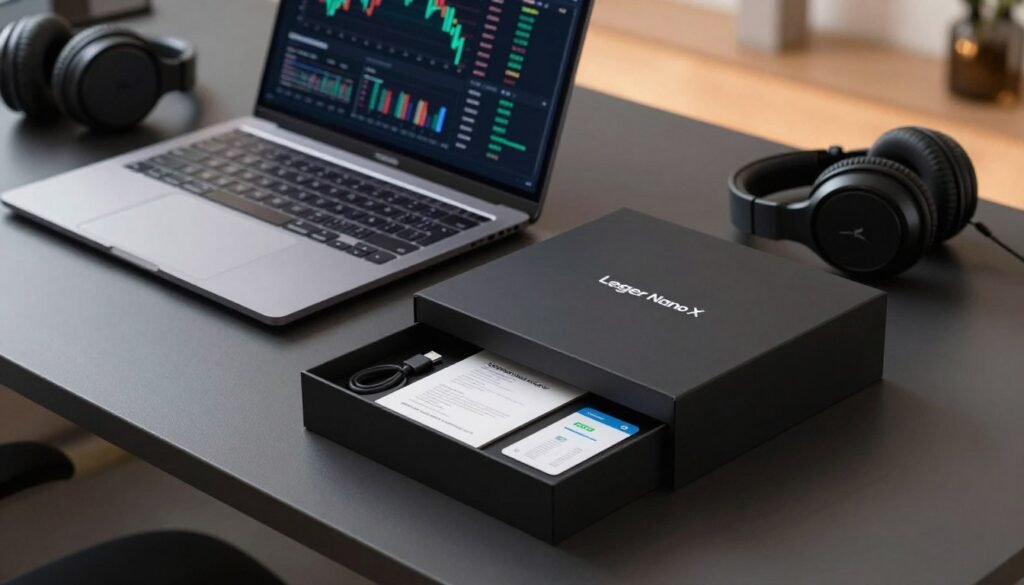
Box contents: The package includes the device, a USB‑C cable, and setup paperwork to get started quickly. Keep all materials until you finish initial setup and testing.
- Buy direct or from authorized resellers to ensure warranty support and genuine hardware.
- Avoid marketplaces like eBay where tampered or preconfigured units can arrive and expose your seed or data to risk.
- The company ships from France and, for U.S. customers, from a Memphis distribution center when ordered directly.
Compatibility note: This device supports iOS and Android via the official app, so iPhone and Android phone users can pair for mobile approvals. The lower‑cost S Plus does not support iOS.
After unboxing, verify authenticity, keep the paperwork and packaging, and test a small transfer. Budget for accessories such as a metal seed backup and a short travel cable for on‑the‑go charging or wired sessions. Buying from the official channel makes returns and support simpler, and the app will show partner ramps and swaps availability for your jurisdiction before you rely on specific services.
Pros and Cons You Should Weigh Before Buying
Balance mobility and security: here are the concrete strengths and limits to consider before you buy.
Key strengths: A CC EAL5+ secure element with BOLOS isolates keys and apps for strong on‑device security.
The ecosystem supports 5,500+ coins and up to 100 installed apps, which makes multi‑chain management smoother.
The built‑in battery plus Bluetooth enable signing from iOS/Android, and the unit still works as a wired signer when the internal cell is empty.
- Mobility: Bluetooth approvals and the companion app reduce the need to carry a laptop.
- Integrated features: staking, swaps, portfolio views, and NFT flows are accessible via native and partner apps.
- Resilience: plug in with USB‑C and continue to sign even with a drained battery.
Trade‑offs: Higher price than the S Plus, no touchscreen, and the internal cell is not user‑replaceable. Some users report Bluetooth pairing quirks and slow support at times.
Open‑source purists may prefer alternatives with transparent firmware. Also, a few chains require third‑party wallets, adding mild workflow complexity.
| Category | Pro | Con |
|---|---|---|
| Security | Secure Element + BOLOS | Closed OS for some users |
| Mobility | Bluetooth + battery | Pairing can be flaky |
| Support | 5,500+ coins & apps | Some chains need third‑party wallets |
Bottom line: For most buyers who balance strong protection, mobile convenience, and broad asset support, this device remains a compelling choice. Learn more about safe use and backups in our guide on how to use hardware wallets.
Conclusion
To wrap up, focus on how the device fits into everyday workflows on phone and desktop. It pairs a certified secure element with a focused operating system to give real mobile convenience without moving your private keys off‑device.
Ledger Live and partner apps let you track portfolio, staking, swaps, and NFTs while third‑party wallets fill long‑tail gaps. The unit’s compact form, two buttons, modest battery, and up to 100 installed apps suit multi‑chain users who travel.
Past incidents reinforce good habits: buy from official channels, protect the 24‑word recovery phrase with a metal backup, and always confirm on the screen. If you want a secure element‑based hardware wallet that works well with phone and desktop, this remains a strong, practical choice.
FAQ
What is the main security model of the Ledger Nano X device?
The device secures private keys inside a certified secure element and runs a dedicated operating system (BOLOS). Private keys never leave the secure element; the device signs transactions locally and only transmits signed data. This reduces exposure to malware on desktop or mobile apps.
How does Bluetooth affect security and convenience for mobile use?
Bluetooth enables wireless approvals from iOS and Android without a cable, which is convenient for on‑the‑go transactions. Only minimal data needed for a signature is sent over Bluetooth; the private key stays on the device. Users should pair in a secure environment, keep firmware updated, and disable Bluetooth when not required to lower risk.
What happens if the device battery dies during a transaction?
If the battery is depleted, the device can be connected to a computer or phone with a USB‑C cable to power it and complete approvals. No funds are at risk; the 24‑word recovery phrase remains the fallback to restore access on another compatible hardware wallet.
How do I restore funds if the device is lost, stolen, or damaged?
Use your 24‑word recovery phrase (seed phrase) on a compatible hardware wallet or supported software that accepts the same derivation. Keep the recovery phrase offline and stored securely; never enter it into a phone or web form. Consider a metal backup for fire and water protection.
Can the device run multiple coin apps and how many?
The hardware supports hundreds of asset apps and can manage 5,500+ coins through native flows and third‑party integrations. Storage on the device limits how many apps run simultaneously—many users install and uninstall apps as needed without losing wallets tied to the recovery phrase.
What is Ledger Wallet (formerly Ledger Live) used for?
The desktop and mobile app offers portfolio tracking, send/receive flows, swaps, and access to some DeFi and NFT features. It also manages firmware updates and app installations. For certain chains and dApps, users link the device via WalletConnect or browser extensions for on‑chain interactions and on‑device confirmations.
Is my transaction data or personal information collected by the company?
The company collects limited telemetry and may have had past incidents involving customer data exposure. Users should register only with trusted sellers, avoid sharing personal details in public forums, and review privacy settings in the companion app to minimize data linkage to on‑chain activity.
How do firmware updates work and why are they important?
Firmware updates are delivered through the companion desktop or mobile app. They include security patches and feature improvements. Always verify updates via the official app and avoid installing firmware files from untrusted sources; updates help maintain secure element protections and Bluetooth safeguards.
Which third‑party wallets integrate well with the device?
Popular integrations include MetaMask, WalletConnect‑enabled dApps, and several multi‑asset wallets that let the device act as a signing key. These integrations allow users to access DeFi, NFTs, and chain‑specific features while keeping private keys offline on the hardware device.
Are there known past security incidents I should know about?
There have been notable incidents involving a customer database leak and supply‑chain concerns with third‑party accessories in 2020 and 2023. These events prompted stronger privacy measures and packaging controls. Users should buy only from the official store or authorized resellers and inspect packaging on arrival.
How does app capacity affect multi‑chain users?
On‑device app capacity determines how many chain apps you can keep installed at once. Multi‑chain users who manage many token types may need to uninstall and reinstall apps periodically. Reinstallation does not affect access to accounts derived from your recovery phrase.
How should I store my 24‑word recovery phrase safely?
Store the recovery phrase offline, split between secure locations if needed, and consider a fireproof metal backup. Do not photograph, digitize, or type the phrase into a computer or phone. Use tamper‑evident packaging and avoid sharing the phrase with anyone.
Can I use the device with both desktop and mobile systems?
Yes. The device supports desktop OSes and iOS/Android via USB‑C or Bluetooth. Mobile apps allow quick approvals, while desktop setups may offer broader functionality for certain chains and large transactions. Always confirm transactions on the device screen before approving.
How does the device compare to rivals like Trezor or Keystone?
Compared to alternatives, this hardware emphasizes a secure element and Bluetooth convenience. Competitors like Trezor use different security models and may offer open‑source firmware. Choice depends on priorities: certified secure element and mobile approvals versus open‑source transparency or air‑gapped workflows.
What should I check when buying to avoid counterfeit or tampered units?
Buy only from the official store or authorized resellers, inspect packaging seals, verify device authenticity through the companion app on first setup, and never accept pre‑initialized devices. Avoid marketplaces where tampering risk increases and always check the box contents against the official list.

No comments yet