
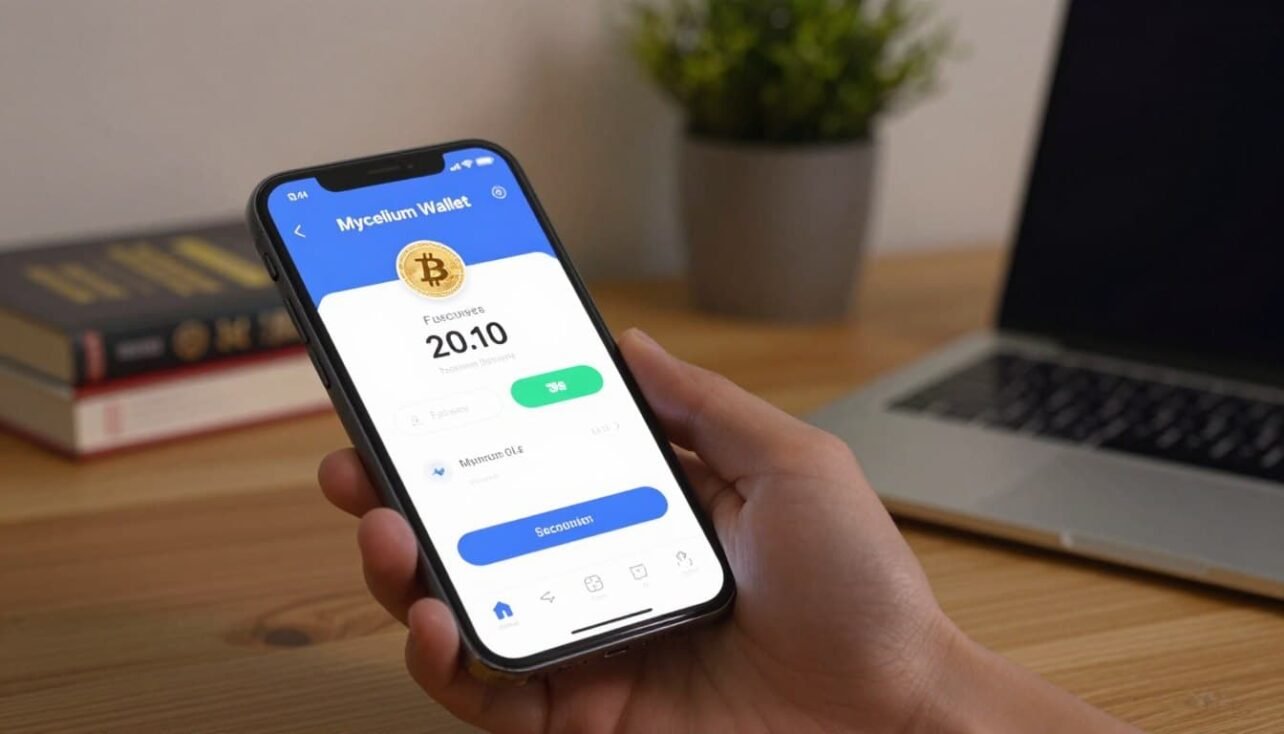
Discover a trusted bitcoin wallet designed for everyday send receive tasks on your phone. This app keeps you in charge: an HD master seed simplifies backup while private keys remain on your device.
Lightweight and fast, the client connects to super nodes so you do not download the full blockchain. That makes it ideal for mobile use and quick transactions.
Privacy options include rotating address generation and an optional Tor connection to reduce linkage and protect your IP. Open-source code, deterministic builds, and verifiable signatures offer transparent information about integrity.
Interoperability is strong: monitor with xPub, import xPriv, spend paper wallets, and link hardware like Trezor. Built-in PIN protection, QR scanning, fee estimation, an address book, and local notes make the app practical for U.S. users on the go.
One note: create and store your backup safely to avoid loss if the device is lost or replaced.
Overview: What the Mycelium Wallet Is and Who It’s For
For users who prioritize speed and control, this bitcoin app makes routine sending, receiving, and balance checks simple and fast.
User intent and common use cases
This mobile wallet serves Android users who want a streamlined way to send receive bitcoin without running a full node. It handles routine tasks: check balance, review transactions, and create new addresses quickly.
People who manage multiple accounts use it to separate saving, spending, and watch-only monitoring. Hardware wallet pairing and xPub import let power users audit funds without exposing keys.
Safety, control, and mobile-first design
Private keys stay on your device and the app locks with a PIN. Backups use an HD seed for easy recovery. Developers publish open-source code and deterministic builds to increase trust.
| Fee Tier | Expected Time | Use Case |
|---|---|---|
| Priority | ~10 minutes | Urgent payments |
| Normal | ~30 minutes | Everyday transactions |
| Economy | ~2 hours | Lower cost, non-urgent |
| Low | ~3 hours | Minimal fee, long wait |
Use the Tor option and rotating address practice to improve privacy. Typical flow: scan a QR, confirm the recipient address, pick a fee, and submit. The app logs the result in history for easy review.
mycelium wallet android: Features, Security, and Privacy
Understand how the app keeps your keys local, suggests fees based on the mempool, and offers privacy tools for daily use.
Control over your money
Private key material stays on your device. The HD architecture (BIP32/BIP39/BIP44) creates one master seed that derives all accounts and addresses.
This makes a single backup restore every account and address in the app. Export only if you explicitly choose to move a key off-device.
Validation, transparency, and code
The client connects to central servers by default, which speeds use but requires trust in those endpoints. For transparency, the public source code and deterministic builds let users verify integrity.
Privacy and fee controls
Rotating addresses and an optional Tor proxy reduce linkage and mask IPs. Avoid address reuse to limit on-chain correlation.
Dynamic fee suggestions use current bitcoin network conditions to target confirmation within a chosen block timeframe.
Interoperability and safe habits
- Hardware signing with Trezor, Ledger, or KeepKey and spending from paper wallets or imported xPriv/xPub.
- Client-side message signing and watch-only accounts let you audit without giving spending authority.
- Encrypt your phone and keep an offline backup; periodically verify recovery works.
In short: the app balances control, transparency, and practical privacy for focused bitcoin use on mobile.
Installation, Sources, and Verification on Google Play
Install from trusted channels and verify before importing any keys.
Play Store installs and beta precautions
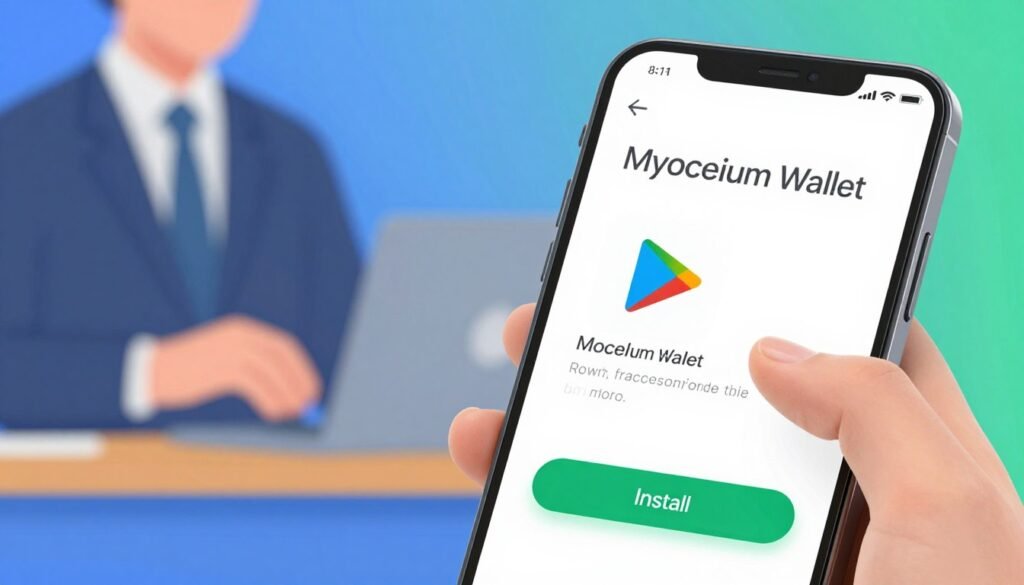
Install the app via the Google Play or the Play Store for the simplest path. Join the beta channel to get updates sooner, but make sure you have a recent backup of your master seed and private keys first.
Direct APK and signature checks
If the store is unavailable, download the APK from the official site and verify it locally:
- apksigner verify –print-certs –verbose mycelium.apk
Expected signer info includes:
Signer #1 certificate DN: CN=Mycelium Developers, O=Mycelium, L=Vienna, C=AT
SHA-256: b8e59d4a60b65290efb2716319e50b94e298d7a72c76c2119eb7d8d3afac302e
SHA-1: be575ec3b3b52e0b2392146cbdb245c91ef5a04f
Build from source and reproducible checks
To build from source, clone the source code on GitHub and use JDK 1.8 with Android Studio 4.1.2 or Gradle. Typical commands:
- git submodule update –init –recursive
- ./gradlew clean test mbw::assembleProdnetRelease
For reproducible builds, use Podman and disorderfs to remove nondeterminism, then compare your APK to the Play Store binary via adb, ApkTool, and a recursive diff. Differences should be limited to META-INF signature files only.
Everyday Experience: Addresses, Sending/Receiving, and Account Management
Daily use centers on three main tabs that make sending, receiving, and account view simple.
Balance, Accounts, and Address Book appear as top-level tabs. Use the Balance tab to review holdings and start a send or receive. The Accounts and Address Book tabs help you manage multiple profiles, labels, and contacts quickly.
Creating accounts and watch-only monitoring
Add new HD accounts under the same master seed from the Accounts tab. You can import an xPub for watch-only monitoring to keep spending keys offline for extra safety.
Archive or label accounts to separate cold storage views, daily spending, and income streams.
Importing keys and converting access
Import an xPriv or a single private key to sweep funds into the app. If you delete a private key later, the entry becomes watch-only so you can still monitor balances without spend authority.
Send and receive flow
To send, scan a QR code, paste a bitcoin address, or type it manually. Enter the amount, pick a fee priority based on urgency, and confirm with your PIN to broadcast.
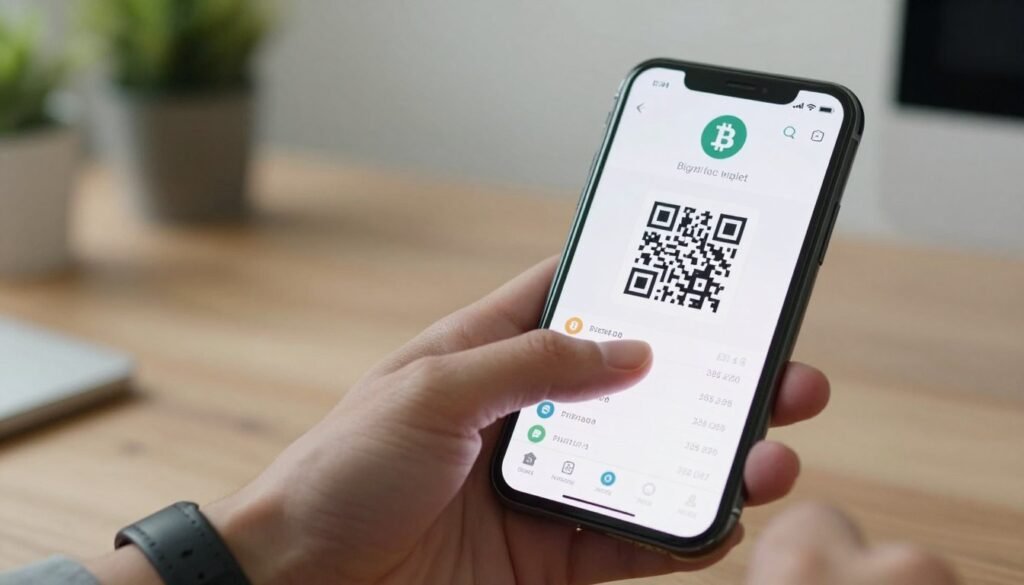
To receive, generate and share a QR or bitcoin address. Incoming payments show in Transactions with confirmations, timestamps, and optional local comments for bookkeeping.
- Use the integrated code scanner to reduce copy errors.
- Label addresses for clear tracking across accounts.
- Review history and comments periodically to reconcile activity and confirm important payments.
For new users, see a short guide to other recommended apps in the best crypto wallets for beginners list.
Pros and Cons: How Mycelium Compares as a Bitcoin Wallet
Here’s a concise rundown of strengths, compromises, and ideal users for this focused bitcoin client.
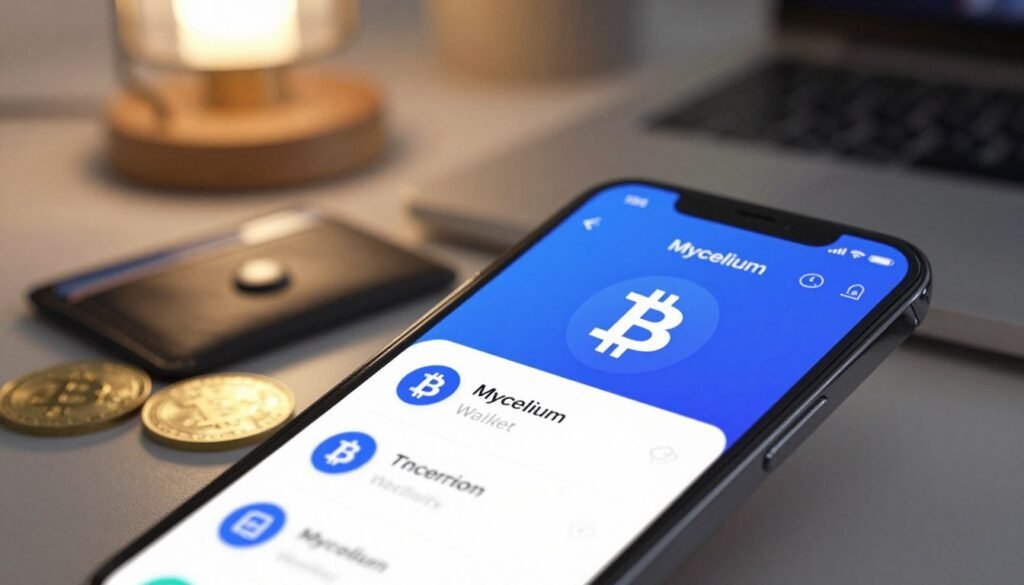
Pros
- Open-source and reproducible: deterministic builds and public code raise transparency.
- Full key custody: private keys remain on device, so you control your funds.
- Privacy option: Tor routing and rotating addresses help reduce linkage.
- Fast network access: super nodes and client-side load balancing boost propagation and responsiveness.
- Hardware support: works with Trezor, Ledger, and KeepKey for secure signing.
Cons
- Relies on centralized servers by default, which some users may avoid.
- Mobile-only design — no desktop or web client for broader workflows.
- BTC-only support and no multisignature feature limit organizational use.
- Power users wanting absolute sovereignty may pair it with a hardware device for fee and broadcast control.
Who should use it
Recommended for privacy-aware individuals, hardware-wallet owners, and bitcoin-first users who value speed and simple accounts. Merchants and frequent spenders benefit from reliable QR payments and predictable confirmation targeting in the next block.
Conclusion
This Android wallet puts you in control of your funds with on-device keys, HD seed backup, and simple restore across accounts and addresses.
Make sure you securely record your seed backup and test recovery before moving significant amounts. Sweep cold storage like a paper key when bringing coins into active use.
Share a bitcoin address to receive bitcoins, scan to send, pick a fee based on desired time to confirmation, and verify the amount and destination before confirming.
Privacy-minded users can route traffic over Tor and rotate addresses to limit observers on the bitcoin network. Track transactions and history in the tab layout and label addresses for neat records.
Install from the Play Store or Google Play beta, verify an APK or build from source to validate the code, and make sure updates and backups are part of your routine to keep keys and software current.
FAQ
What is the app and who is it designed for?
The app is a mobile Bitcoin wallet designed for users who need a mobile-first, noncustodial solution to send, receive, and manage BTC. It suits privacy-aware users, people who pair hardware devices, and those who want local control of private keys and backups on their own device.
How does the app store and protect private keys?
Private keys stay on your device and are protected by device security and chosen passphrases. The wallet supports hierarchical deterministic (HD) seeds (BIP32/39/44) so you can back up a single seed phrase and restore accounts. Always keep an offline copy of the seed and consider encrypted backups or paper backups for long-term storage.
Are addresses and transaction history visible on the public blockchain?
Yes. Every receive and send address appears on the Bitcoin blockchain, where anyone can view transaction history and balances for that address. The app offers rotating addresses and watch-only accounts to reduce address reuse and improve privacy, but blockchain visibility remains inherent to Bitcoin.
Does the app allow custom fee selection and how are fees determined?
The app provides dynamic fee suggestions with multiple priority tiers aligned to current network conditions. You can choose lower fees for slower confirmation or higher fees for faster priority; the interface shows estimated confirmation time for each tier.
Can I verify the app source and build from source code?
Yes. The full source code is available on GitHub and can be built locally. For higher assurance, use reproducible build processes and tools such as Podman for isolated builds. Verify signatures and checksums against official releases to ensure integrity.
Is it safe to install from Google Play or should I use the APK?
Installing from Google Play is convenient and generally safe, but check the developer account and recent reviews. For maximum control, download the official APK and perform signature verification with apksigner. Always keep backups before switching install sources or channels like beta.
Does the app support hardware wallets and paper key spending?
Yes. It interoperates with popular hardware devices such as Trezor, Ledger, and KeepKey for signing transactions. The app also supports spending from paper or cold-storage keys through appropriate import or sweep workflows.
How does the app handle network connectivity and privacy?
By default the app connects to public servers, but it offers privacy options such as connecting through a Tor proxy and using rotating addresses. Be aware default servers can expose metadata; enabling Tor or using your own full node improves privacy and reduces reliance on third-party servers.
What backup and recovery options are available?
Backups use the HD seed phrase which you must record offline. The app also supports encrypted local backups and export of extended public keys (xPub) for watch-only monitoring. Never store seed phrases in cloud services or on easily compromised devices.
Can I import xPub/xPriv or create watch-only accounts?
Yes. You can import extended public keys (xPub) to create watch-only accounts and monitor balances without exposing private keys. Importing xPriv should be done cautiously and only on secure devices since it grants full spending authority.
How do I send and receive BTC using the app?
To receive, generate a new address from the Accounts or Receive tab and share its QR code or address. To send, scan a QR code or paste an address, select the amount and fee tier, review the details, and confirm. Transaction history shows confirmations and status.
What are common pros and cons compared to other bitcoin wallets?
Pros include open-source code, full private-key control, hardware wallet support, and privacy tools like Tor and rotating addresses. Cons include reliance on centralized servers by default, a mobile-focused interface only, limited multisig support, and a strict Bitcoin-only focus that may not suit multi-asset users.
How can I ensure my funds remain under my control and secure?
Keep backups of your seed offline, enable device-level security, verify app sources and signatures, use hardware wallets for large balances, and prefer Tor or your own node for stronger privacy. Regularly check transaction history and verify addresses before sending funds.
Are there options for fee estimation and watching mempool conditions?
The app provides dynamic fee suggestions and multiple priority tiers based on current network conditions. While it does not include a full mempool visualizer, the fee estimates reflect recent block activity and typical confirmation times.
What should I do if the app shows an incorrect balance or missing transactions?
First, refresh the account and ensure network connectivity. Check server settings and consider switching to a different public node or enabling Tor. If issues persist, reimport your xPub or restore from your seed on a clean install to re-sync transaction history.
Where can I find additional technical documentation and support?
Official documentation and the source code repository on GitHub are the primary resources for technical details. Community forums, GitHub issues, and application support channels provide help for installation, builds, and advanced configuration.

No comments yet